
Buck Me (Set Up Bank Account) is the 13th main mission in GTA 6 (Grand Theft Auto VI). This walkthrough will guide you through all objectives of the Buck Me (Set Up Bank Account) main quest.
- Starting Location: Mariana County > Key Lento
- Chapter: 1
- Quest Giver: Lucia (via phone call)
- Requirement: About half a day after “Coming Home (Lucia’s Release)“, Lucia will call you to meet her at the bank because neither Jason nor Lucia have a bank account.
- Can Be Started By: Jason
- Reward: BuckMe App (bank account)
- Quest Description: Lucia needs a bank account to get her community service payments. Meet her at the Fleeca bank nearby.
Objectives:
- Ask about setting up a bank account
- Speak to the manager
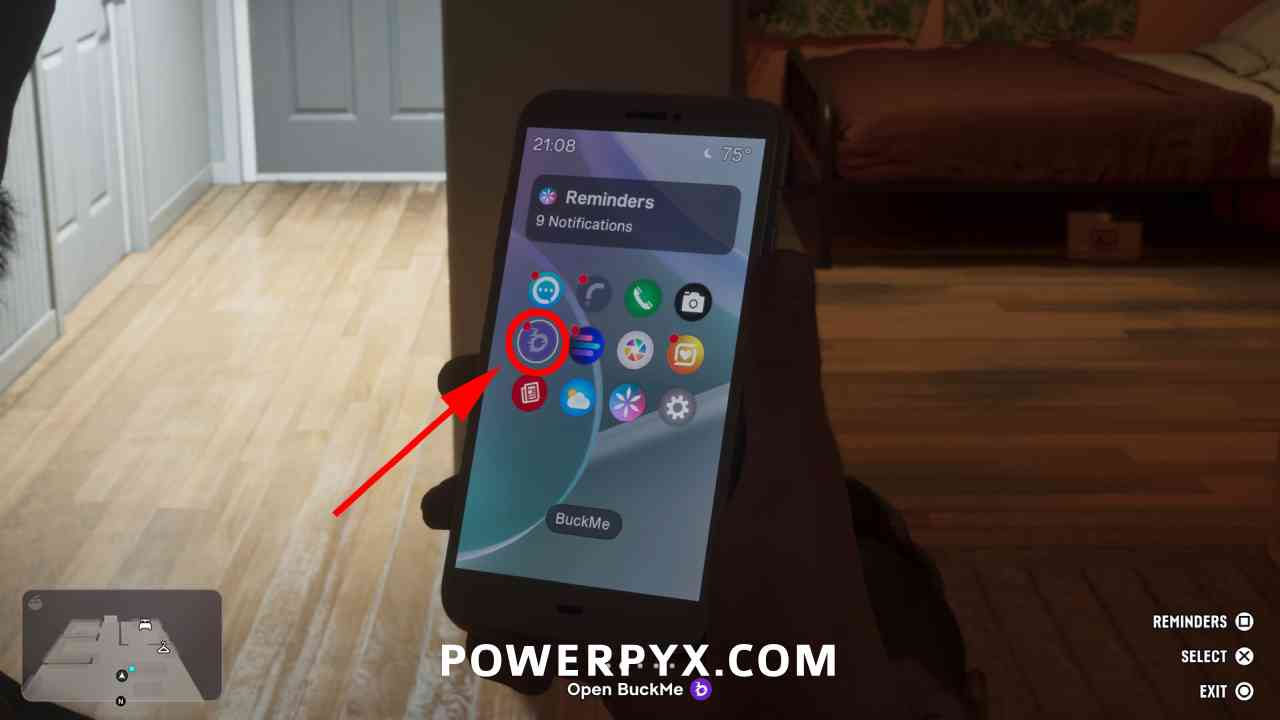
- Open BuckMe
- Move Money into Family Savings account
Starting Location: Buck Me (Set Up Bank Account)
This starts at the Fleeca bank branch in Key Lento.
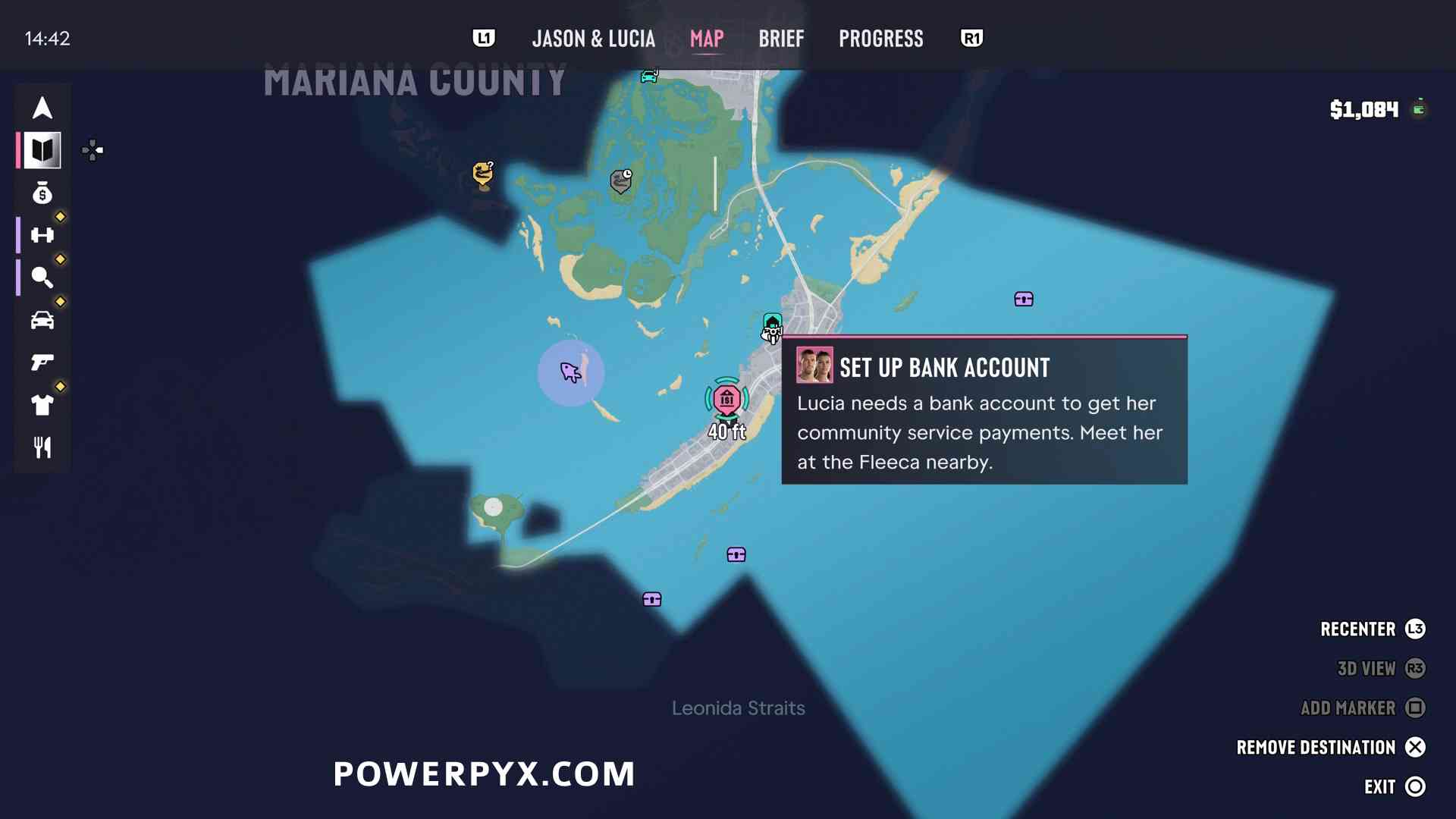
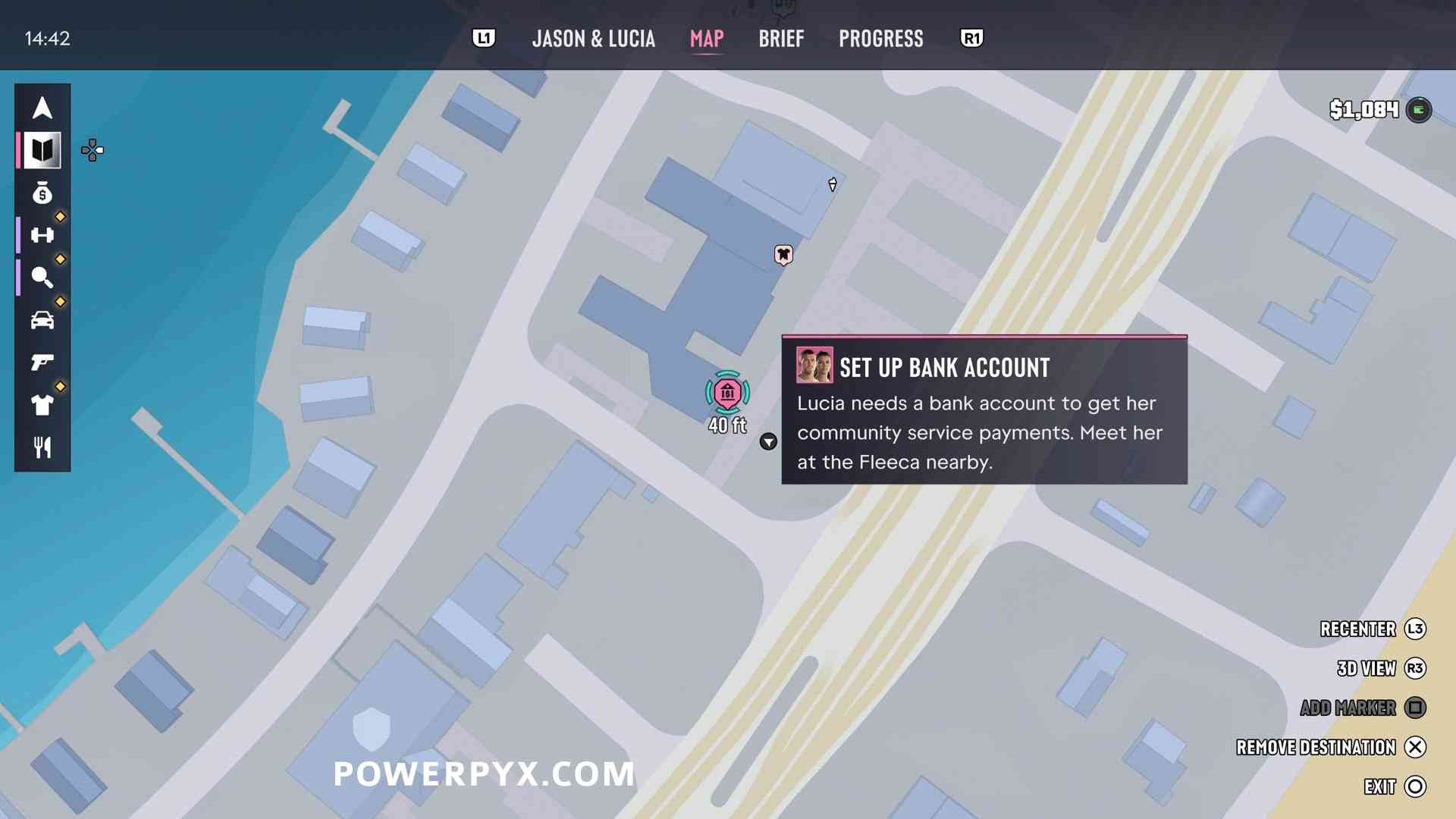
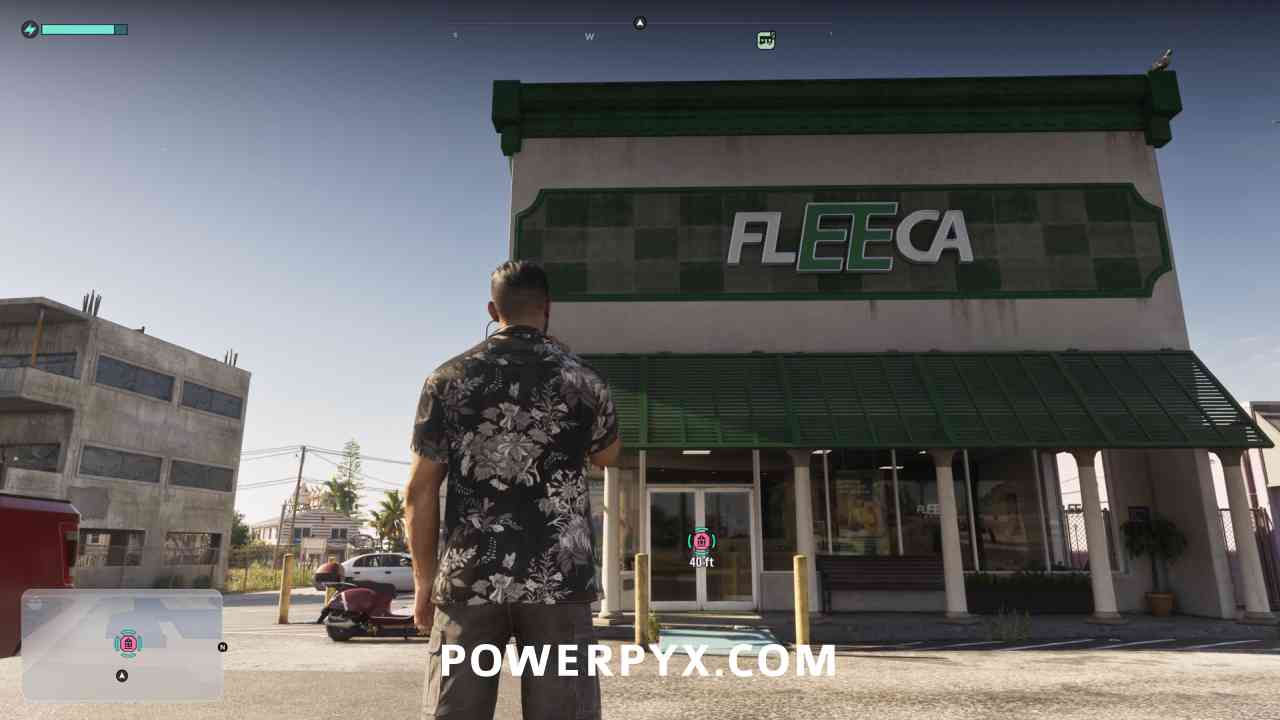
Ask about setting up a bank account
Go inside and talk to the teller. She will point you to the bank manager for opening an account.
Speak to the manager
The bank manager is in the right corner at the table. Follow him into his office.
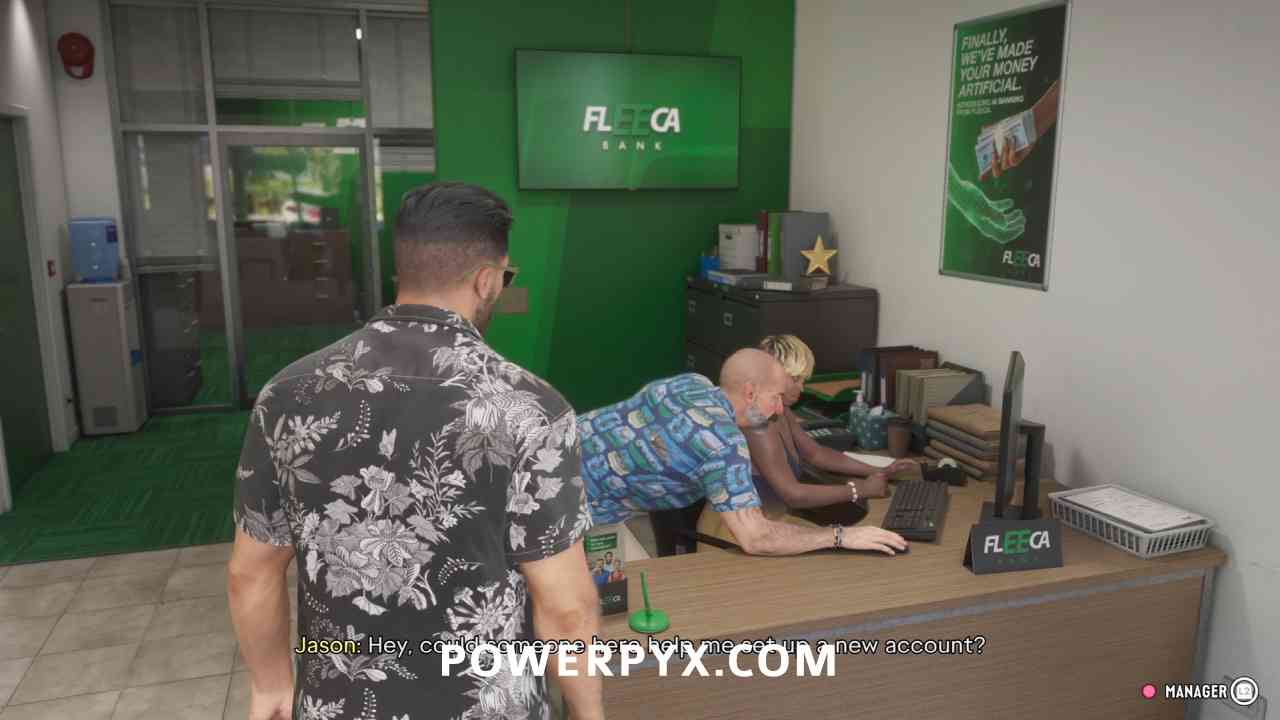
He checks your credit and it’s so bad you can’t even open an account. Instead, he offers a fintech app called “BuckMe”.
Open BuckMe
You will get a cutscene and automatically arrive back home. $100 is deposited into your checking account as a welcome gift.
Open your phone  and click on the purple “B” for the BuckMe app.
Move Money into Family Savings account
In BuckMe App click the top menu “Checking Account” and “Buck Yourself” to move $100 to the Family Savings.
Things to Remember about BuckMe banking:
- Money deposited into Family Savings cannot be withdrawn, ever. This money is permanently locked but it can never be lost.
- At each savings goal you unlock some perks that give you price reductions on various purchases.
- Each savings level increases your checking account limit.
- For all saving goals and unlockable perks refer to the Mission Save for the Future. This mission stretches throughout the entire story, but it’s optional for story progression.
- If your checking account reaches the limit, any incoming payments will be held until you’ve spent the money or moved it to Family Savings.
- Any purchases costing more than $1,000 will be directly paid through BuckMe (vendors only accept pocket cash for items costing up to $999).
- You can deposit cash at any ATM. Use the BuckMe app and click “ATM Finder – Set Destination”. You can also withdraw money from your checking account.
- If you carry $0 pocket cash, any purchases made will be directly paid through your BuckMe app. There’s no point carrying pocket cash around. When you die you lose your pocket cash, so it’s better to deposit it (some of the balance in your checking account is still lost on death but a smaller amount than carrying pocket cash).
This finishes Buck Me (Set Up Bank Account) in GTA VI.
For all other Quests refer to GTA 6 Walkthrough.
Leave a Reply