
NTE has a total of 214 Oracle Stones available at the time of the game’s launch in version 1.0. For the trophy Fate’s Echo you must collect and deliver 140 Oracle Stones to the witch to reach Divination Level 10.
These collectibles are found around the map held by red glowing ravens. You must bring them to the witch (purple map icon) in Bridge Crossings district:
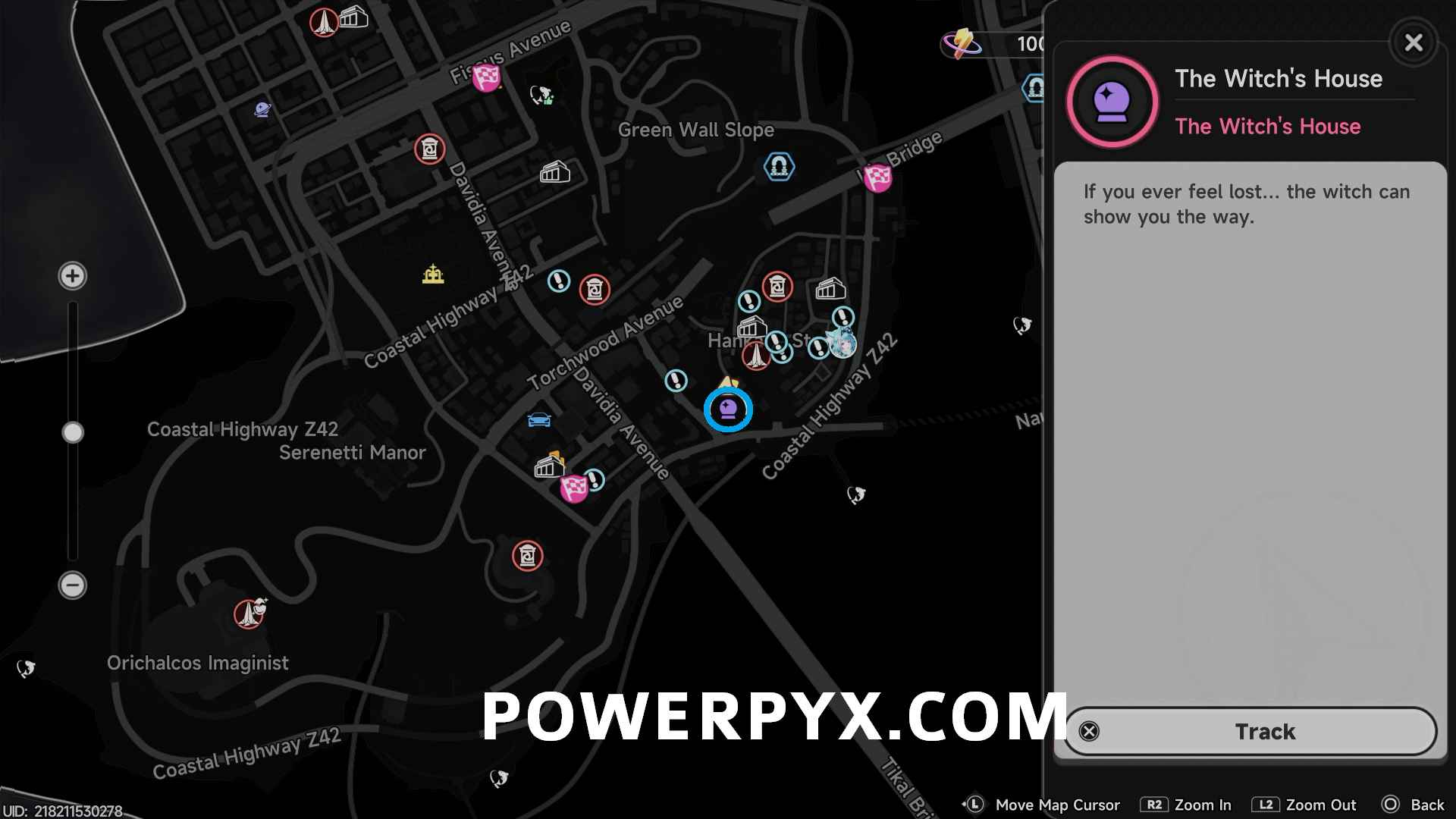

Luckily, you can have them all marked on the map automatically for you, which makes them very easy to find. You just need to get the Oracle Crystal first, the collectible menu (press L3 on map) even says “Recommended: Use Oracle Crystal to search” when hovering over the Oracle Stones.
How to obtain the Oracle Crystal to mark all Oracle Stones
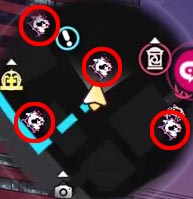
The Oracle Crystal is obtained from reaching Divination Level 3, which requires a total of 12 Oracle Stones. The ones near you are automatically marked on the map & minimap with blurry red raven icons. Just watch the minimap in the top left corner of the screen as you walk around town, or open the map from time to time and zoom in with R2. They won’t stay marked if you move away, it only marks the ravens in a radius around you. They are automatically collected when getting very close to them. Many are on buildings, you can jump at walls and climb up.
Here’s what the ravens look like on the map and in the world:

After finding 12 of them, go turn them in with the witch to reach level 3 and obtain the Oracle Crystal.

Once you obtain it, the Oracle Crystal is bound to your radial menu (L1) and using it will cause you to drop one where you are standing. This will then highlight all Oracle Stones within the circular radius shown on the map, allowing you to easily find and collect what you are missing.


You can place a maximum of 3 Oracle Crystals at a time, which you can use in a triangular pattern to make sure that you are covering an entire area. Once you have collected everything within the area, highlight the crystal on your map and delete it, which will allow you to place it again in a new location.
Do this strategically to cover every part of a district. Use the collectible tracker to see how many you found in the district, this way you’ll know when a district is complete (on map press L3 and R2 to view each district). You can also keep a screenshot of the areas you had marked before (can use PS5’s built-in screenshot feature), this way you have a record of where you searched before.
Leave a Reply