
Silent Hill Townfall contains 19 CRTV Signal locations. Viewing all CRTV Signals unlocks the Sweeping Signals trophy/achievement.
CRTV Signals are found throughout the game, and progress toward viewing them is saved between playthroughs. This specifically requires tuning to the channels that display videos during gameplay, it does not require turning to channels that allow tracking enemies. Viewing them provides extra story info or clues about upcoming story moments, but none of them are required for story progression.
Collectibles Overview:
Section Select:
Part 1: Arrival
Chapter 2: Escape
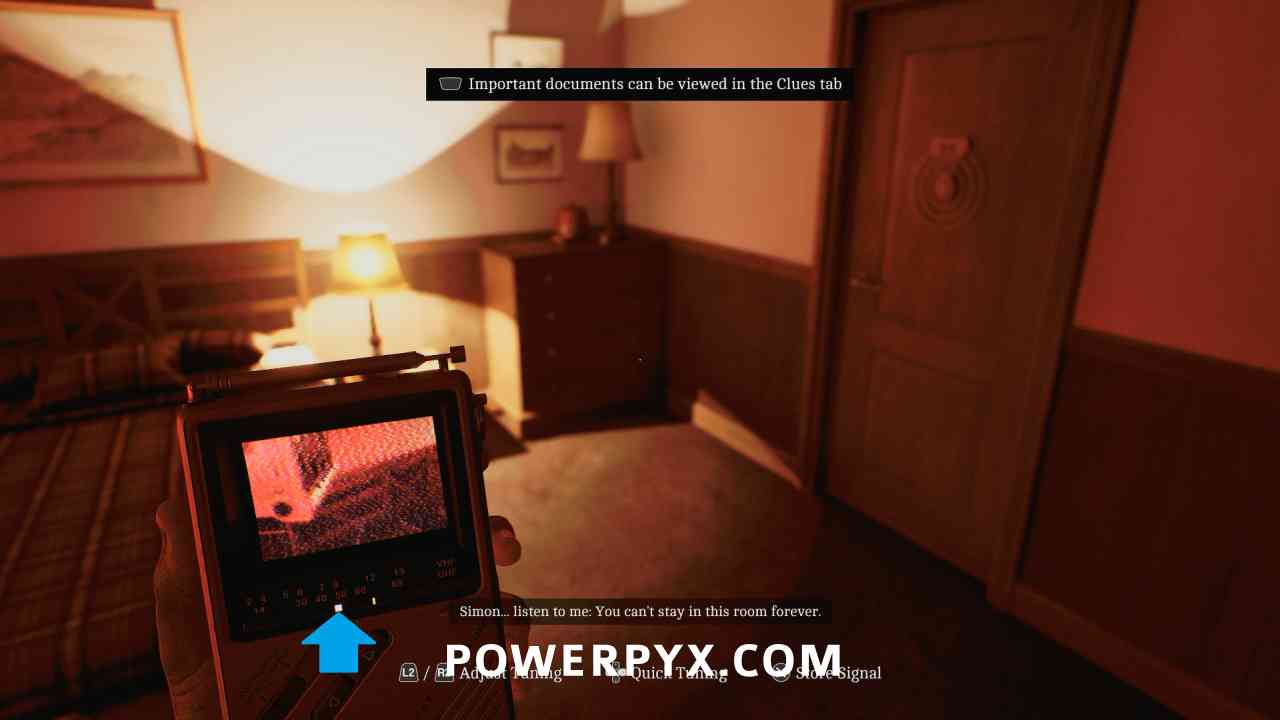
Signal #1: CRTV Channel – 50~
Area: A Different Place
In the hotel room, tune the CRTV to the channel at just under 50, hit X to store the channel when the tracking dot is in the box.
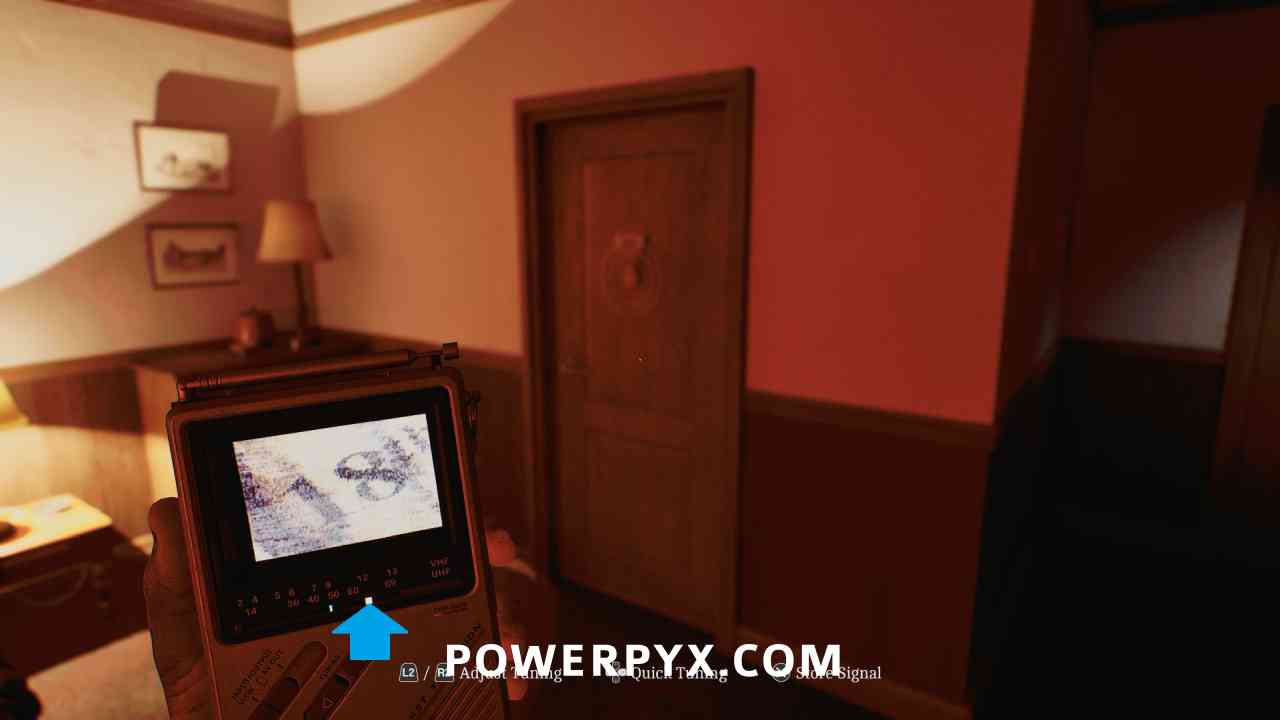
Signal #2: CRTV Channel – 60~
Area: A Different Place
In the hotel room, tune the CRTV to the channel at just over 60.
Chapter 3: A Connection
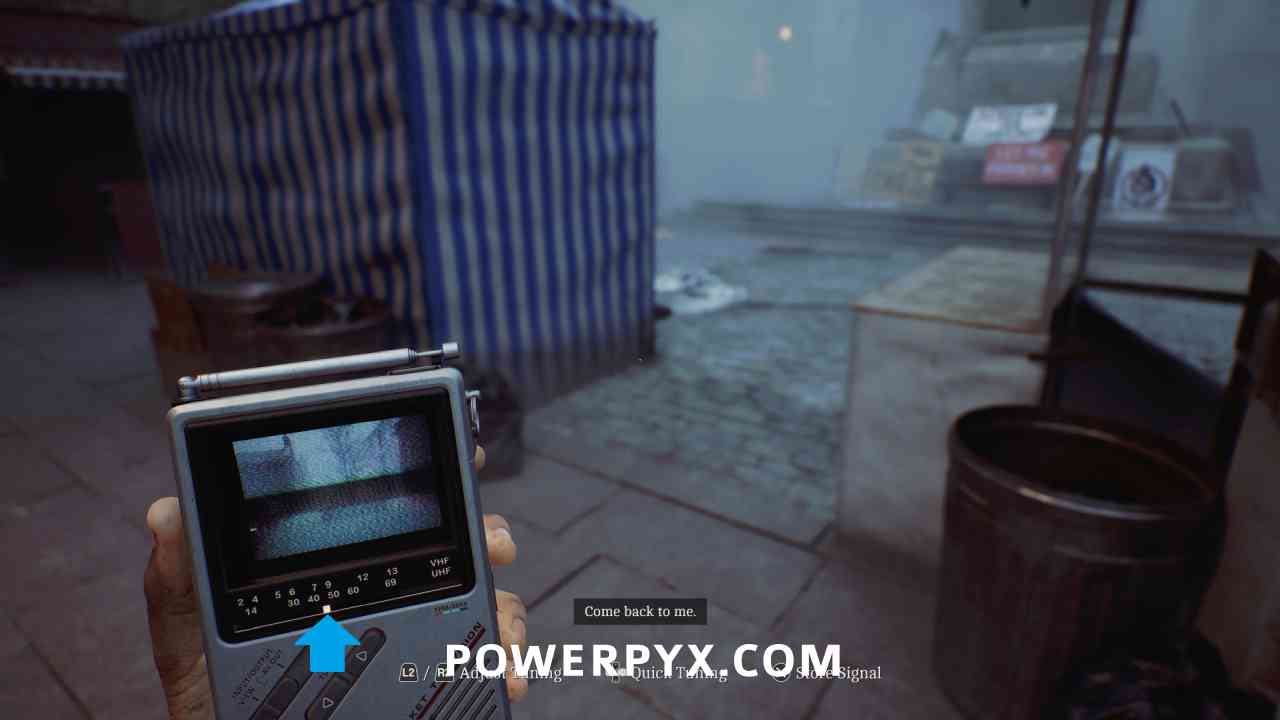
Signal #3: CRTV Channel – 45~
Area: Shorefront District – South
As soon as the chapter starts, tune the CRTV to the channel at around 45.
Chapter 4: Searching for Zoe
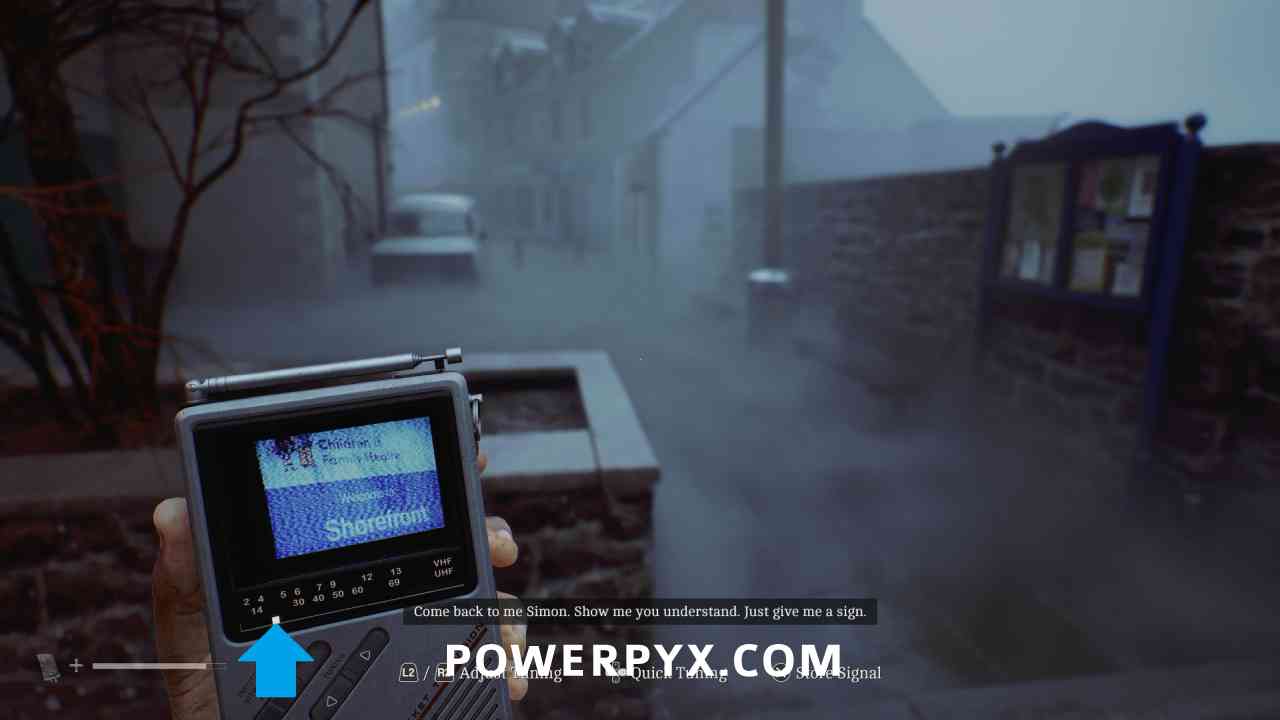
Signal #4: CRTV Channel – 17~
Area: Shorefront District – South
When approaching Town Square, tune the CRTV to the channel at around 17.
Signal #5: CRTV Channel – 30
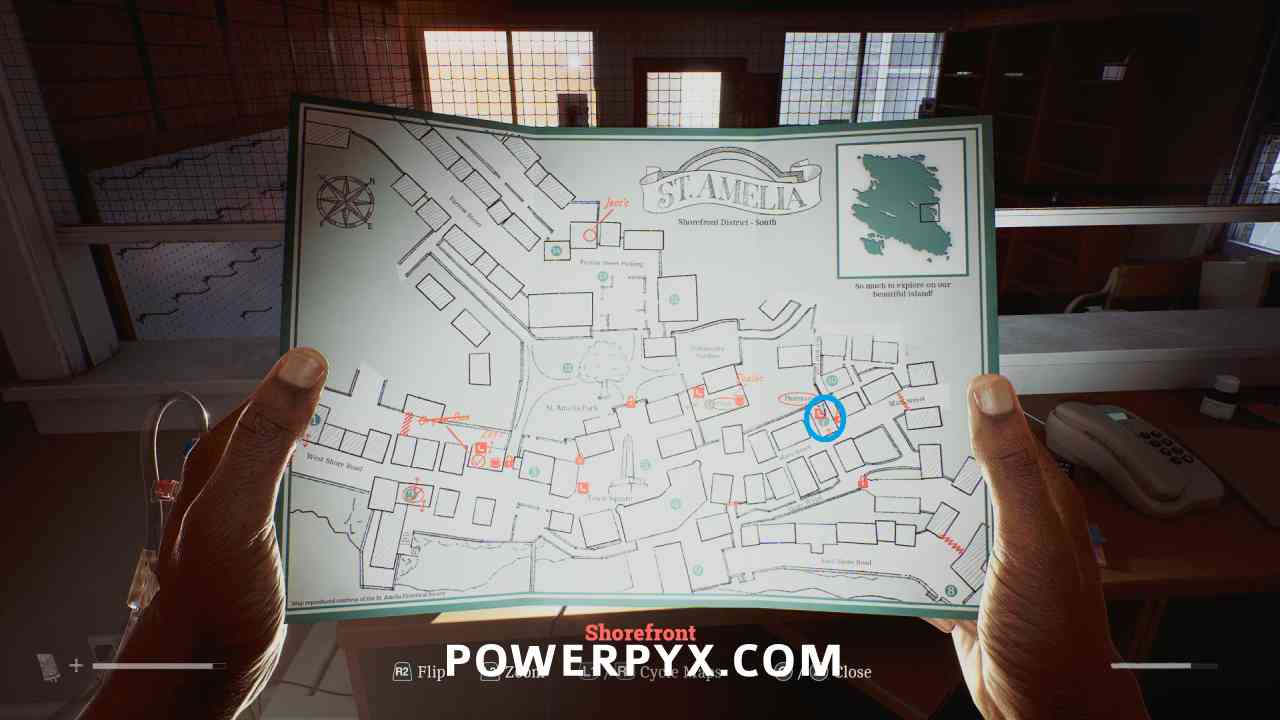
Area: Shorefront District – South > Pharmacy (7)
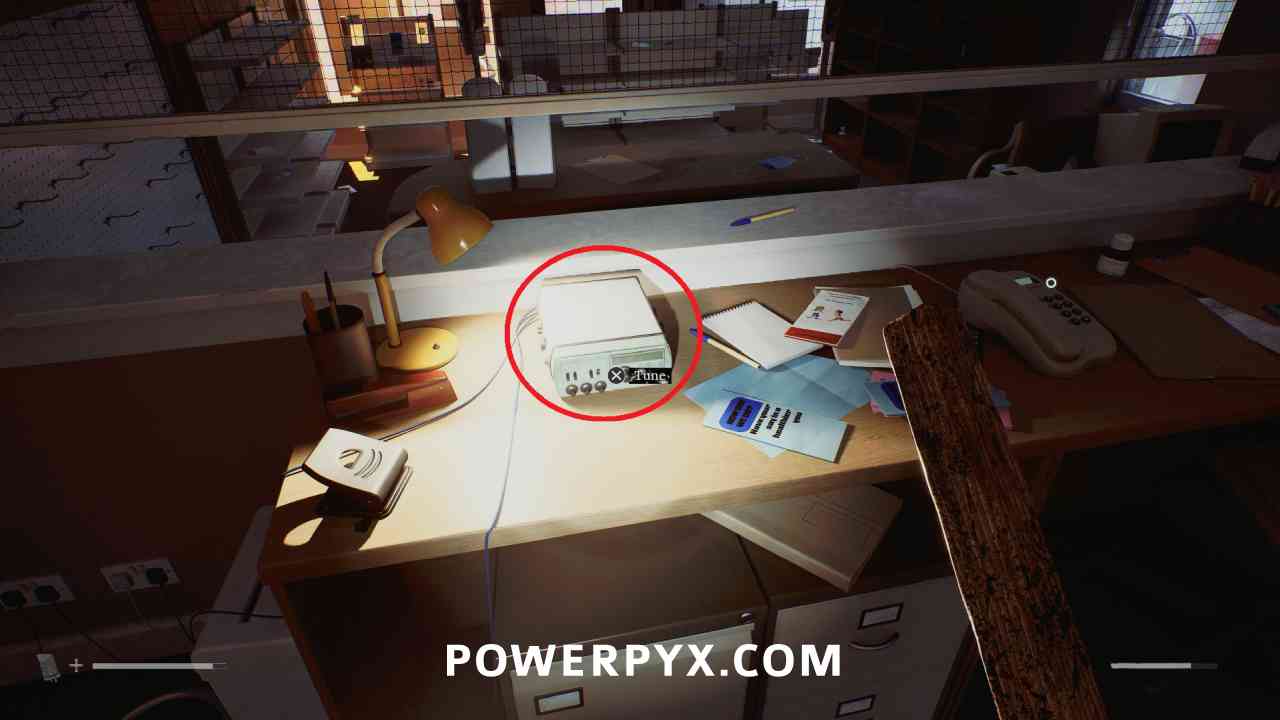
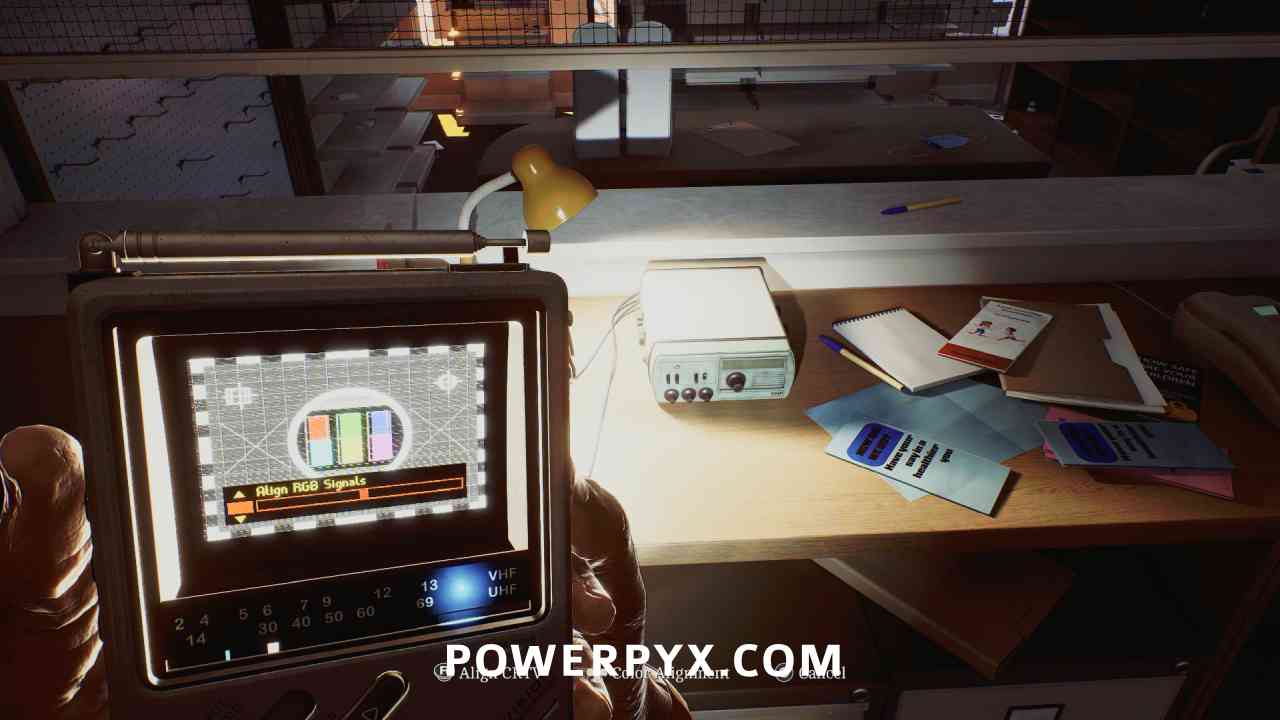
Inside the Pharmacy in the back room, interact with the radio on the table. Align the CRTV tilt so that the colors stop moving using the right stick (on PS5 you can turn off “Enable CRTV Motion Sensor controls” in control options if you are struggling with the motion controls), then adjust colours so they fit in all boxes using the DPAD.
Part 2: Zoe
Chapter 6: Journey to Medical
Signal #6: CRTV Channel – 63~
Area: Shorefront District – South
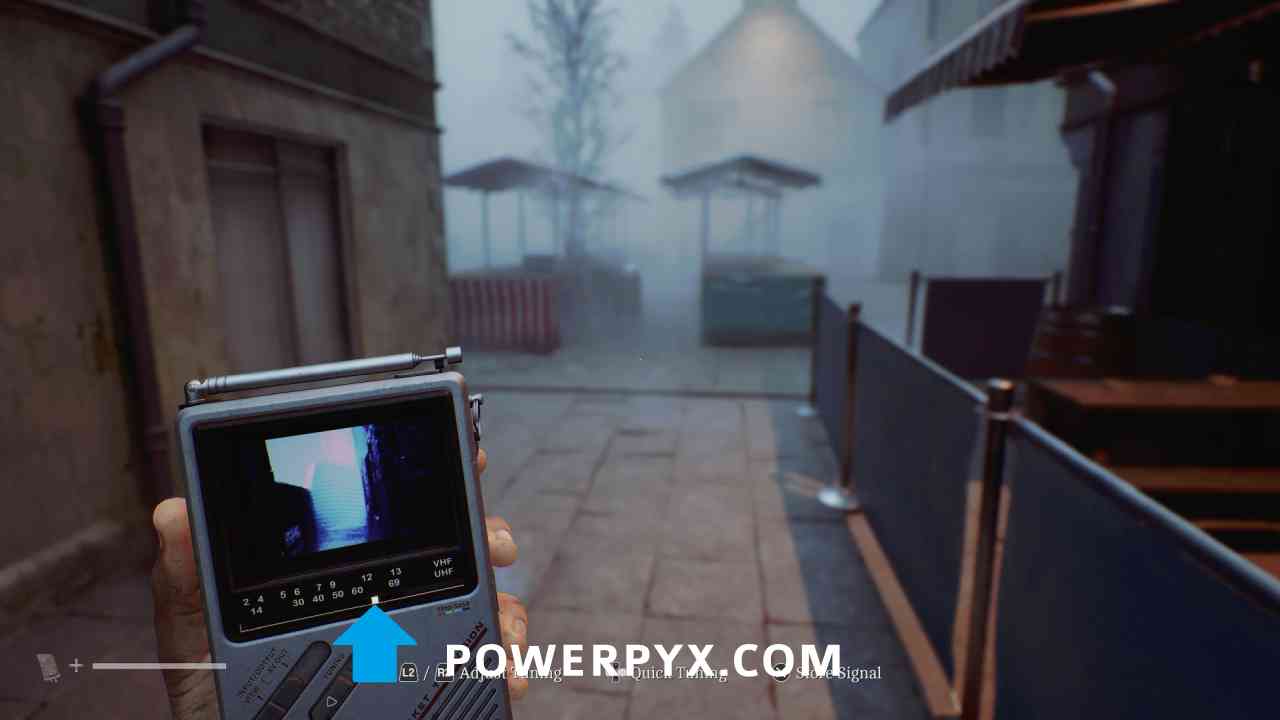
Immediately when exiting the Clinic, tune to around 63.
Signal #7: CRTV Channel – 25~
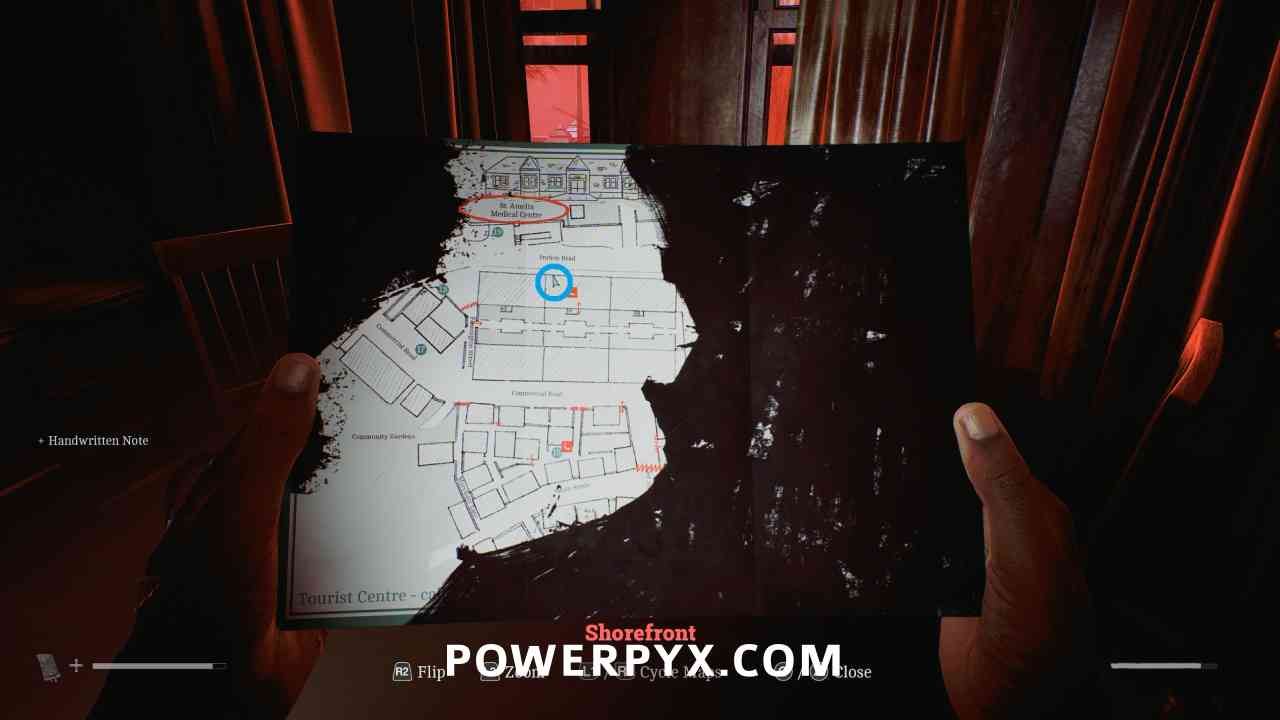
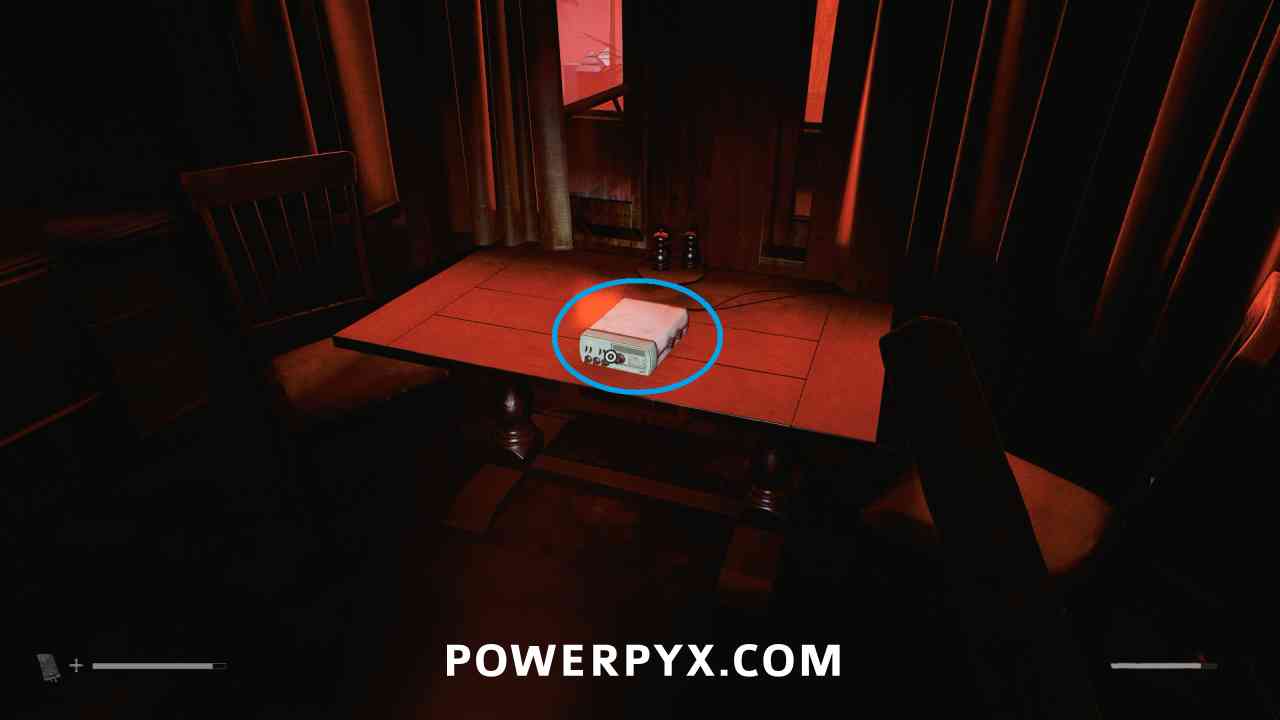
Area: Shorefront District – North > Apartment south of Medical Centre
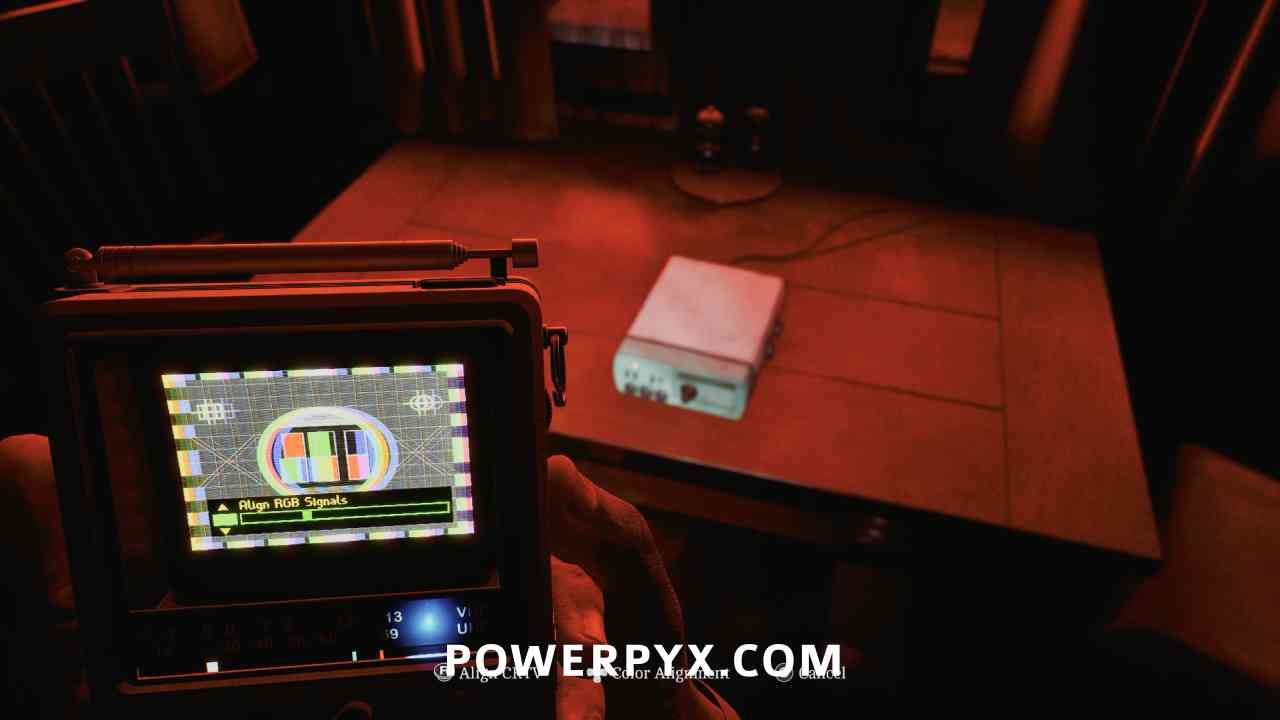
On the second floor of the apartment south of Medical Centre, interact with the radio on the table. Align the CRTV tilt so that the colors stop moving using the right stick, then adjust colours so they fit in all boxes using the DPAD.
Part 3: The Patient
Chapter 8: Many Into One
Signal #8: CRTV Channel – 28~
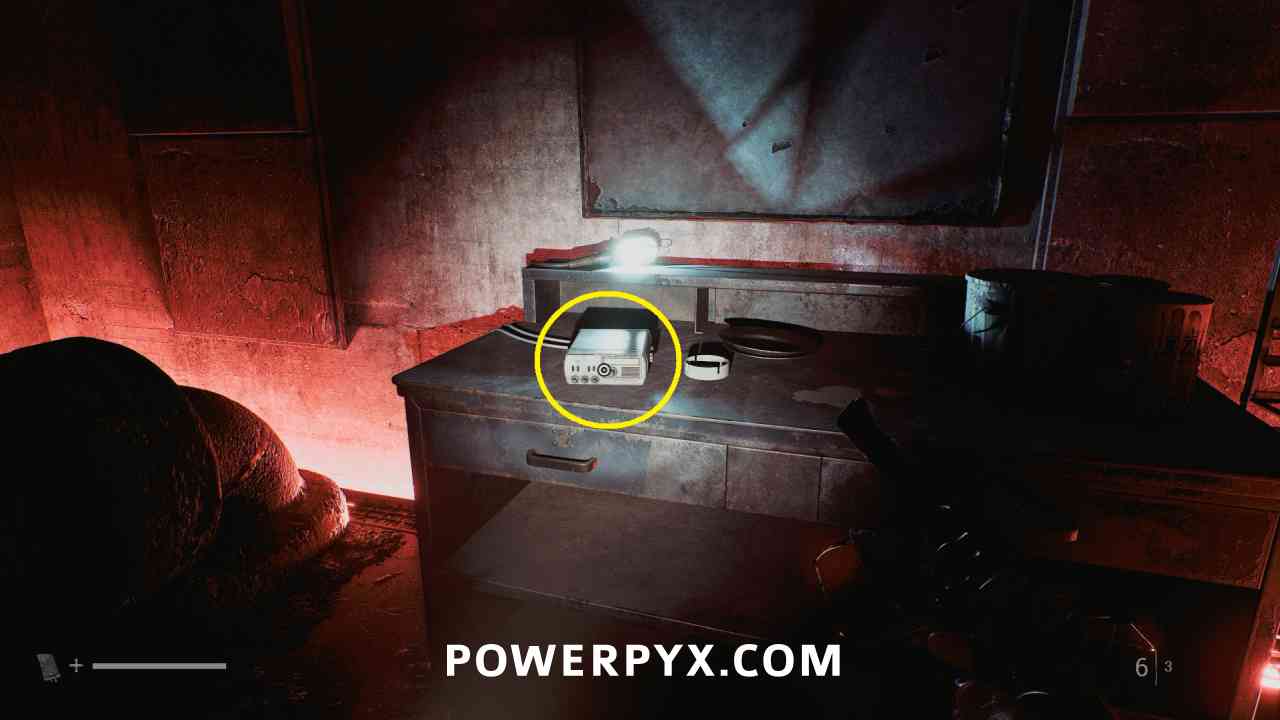
Area: Medical Center – Different
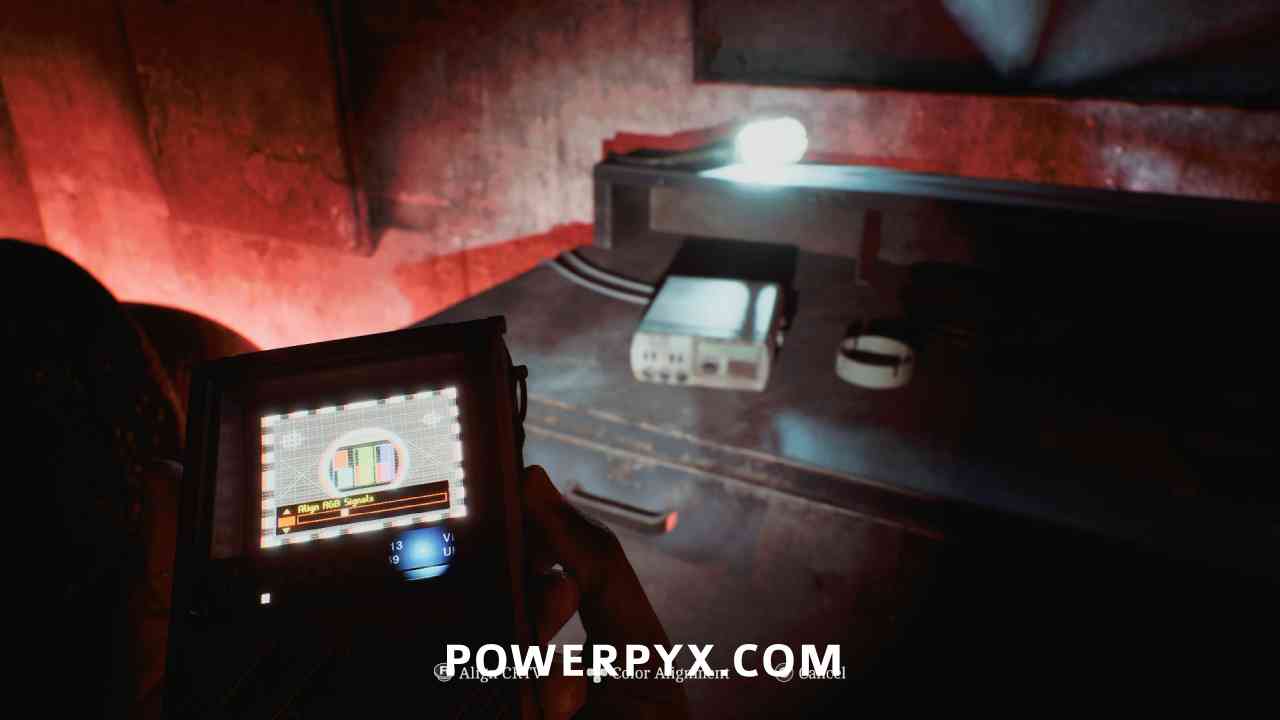
When playing as Simon, continue until you squeeze through the crack to progress, then interact with the radio on the table. Align the CRTV tilt so that the colors stop moving using the right stick, then adjust colours so they fit in all boxes using the DPAD.
Part 4: Clara Woods
Chapter 9: Begin Again
Signal #9: CRTV Channel – 61~
Area: Clara Woods
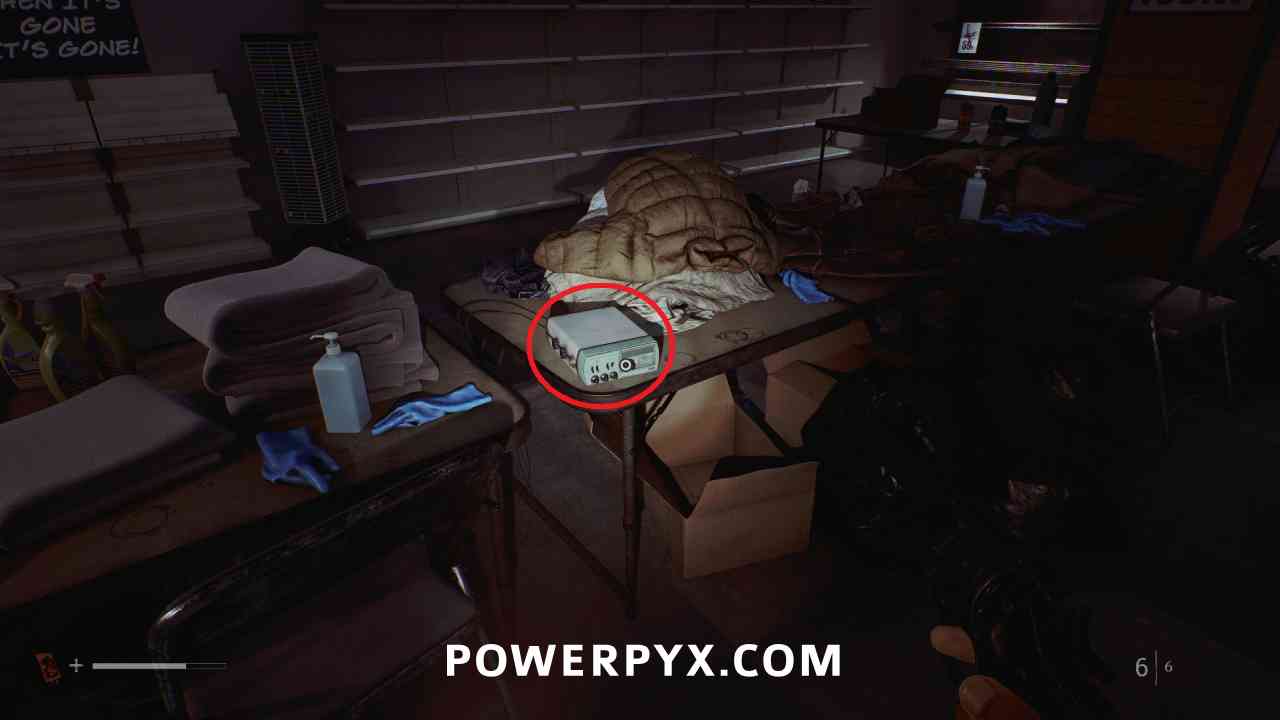
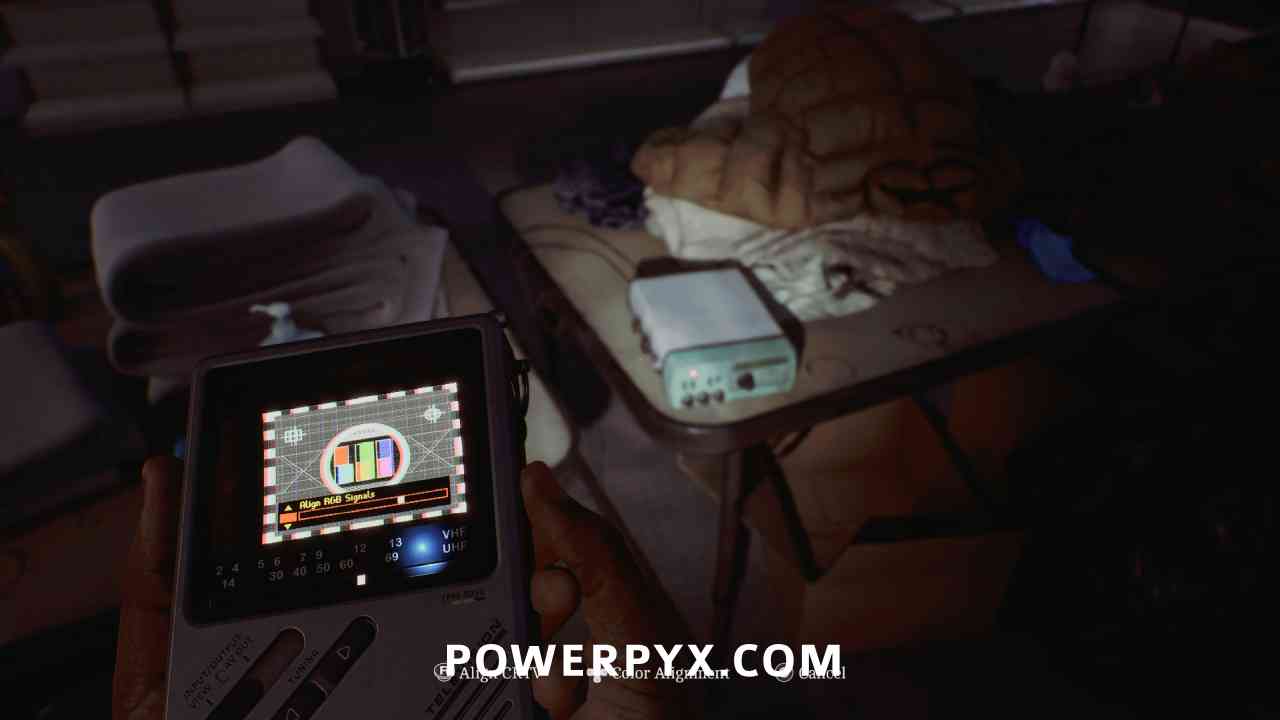
In the middle of the store before progressing past the sign where you pick up the Clara Woods map, interact with the radio on the table. Align the CRTV tilt so that the colors stop moving using the right stick, then adjust colours so they fit in all boxes using the DPAD.
Chapter 10: Missing Parts
Signal #10: CRTV Channel – 62~
Area: Clara Woods Estate > Ground Level
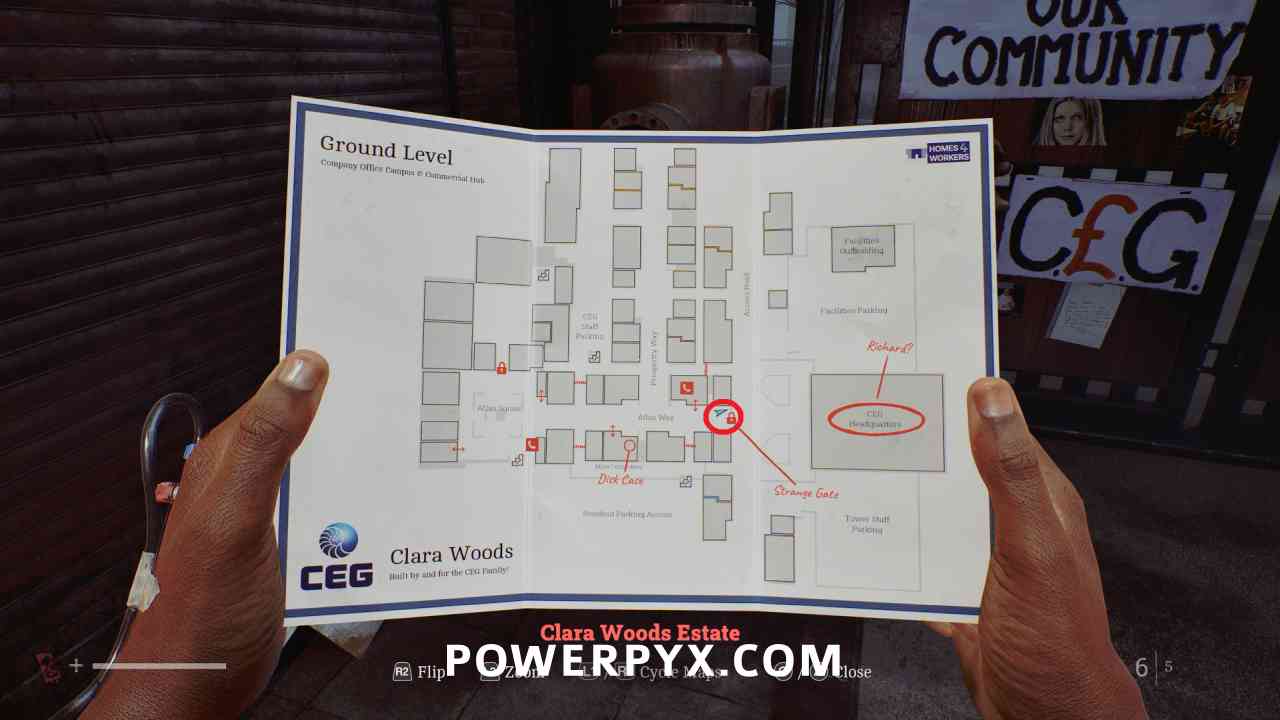
Go up to the Strange Gate at the end of Atlas Way and interact with the metal pipe structure, then the CRTV channel at around 62 should become available.
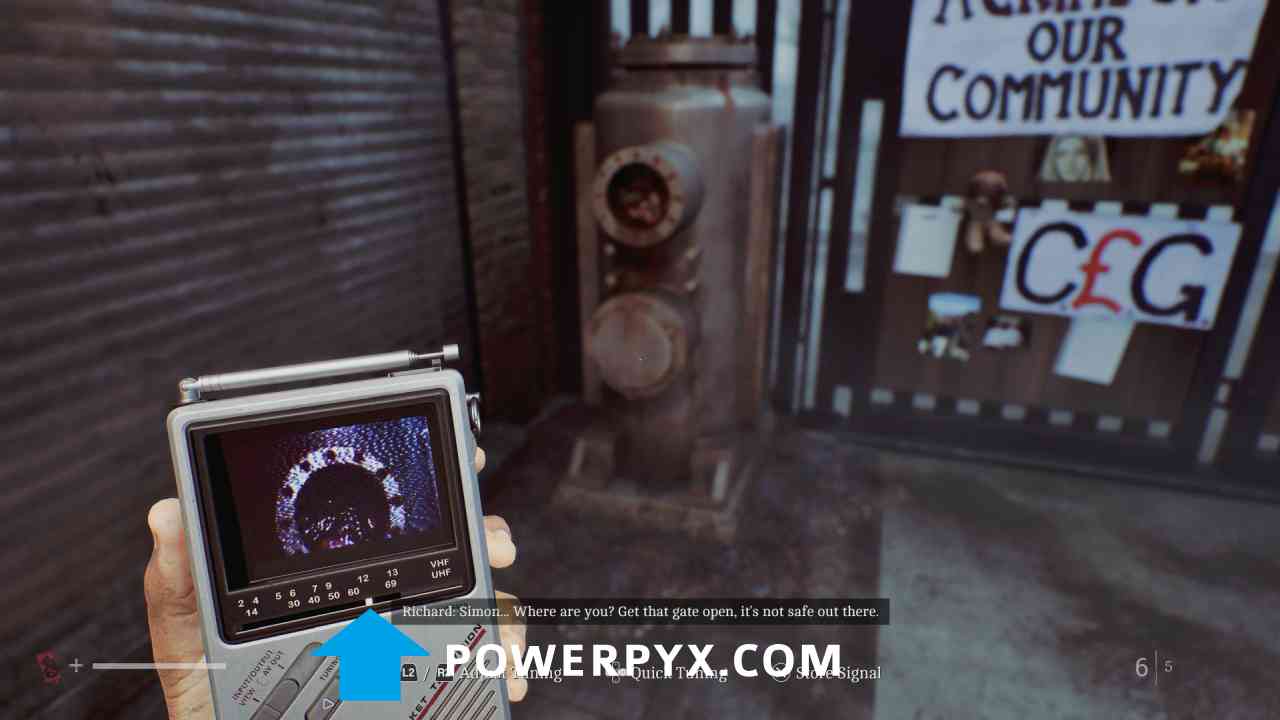
Signal #11: CRTV Channel – 67~
Area: Clara Woods Estate > Ground Level
Progress into the building to the left of CEG Staff Parking on the map, then the CRTV channel at around 67 should become available.
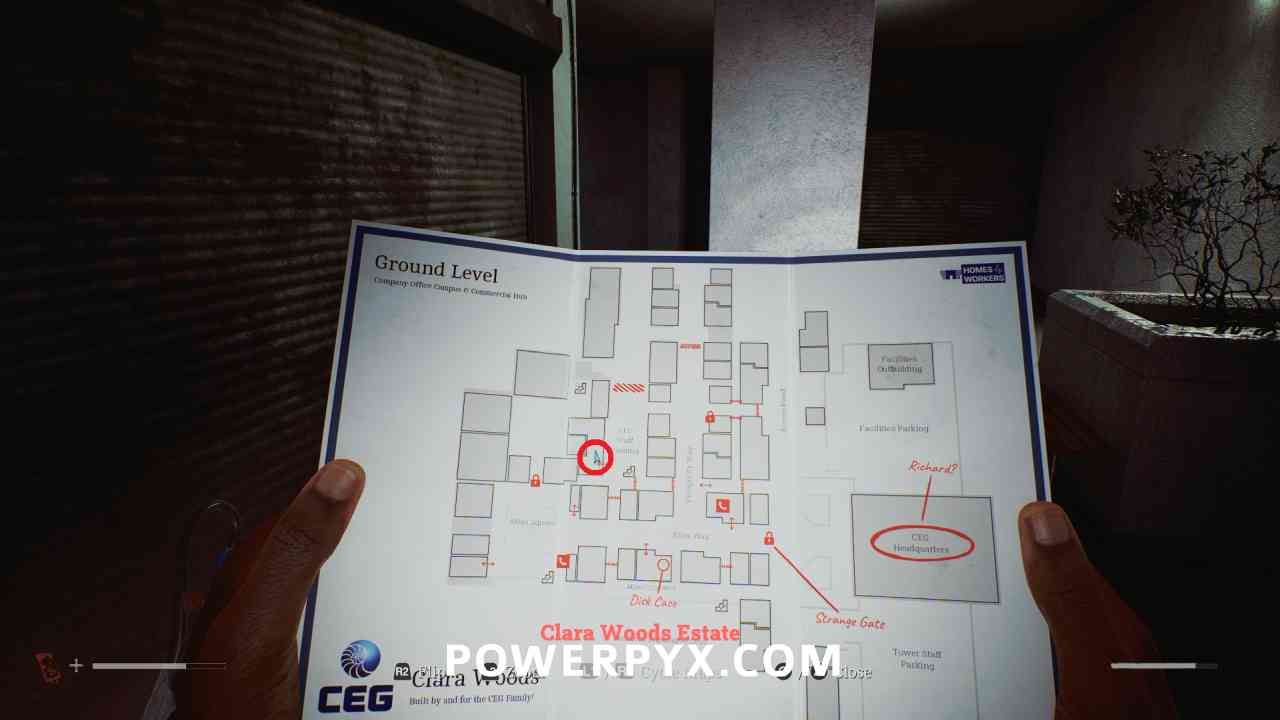
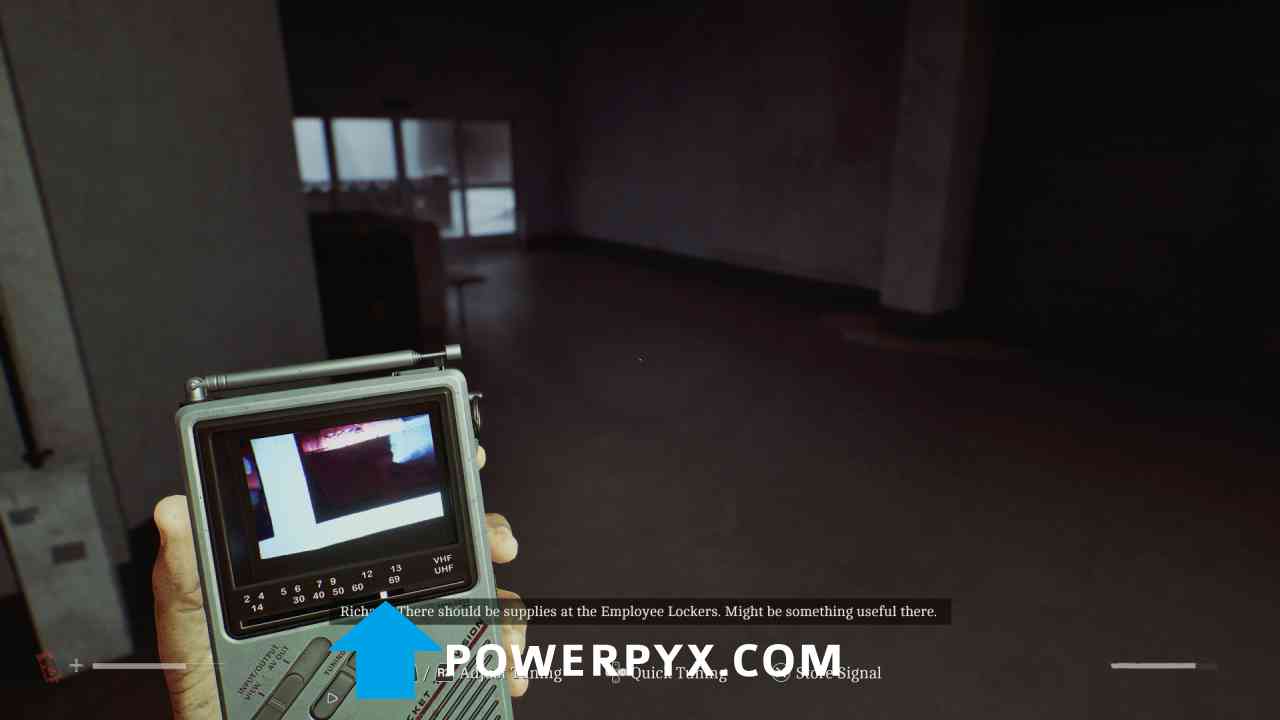
Signal #12: CRTV Channel – 59~
Area: Clara Woods Estate > Upper Level
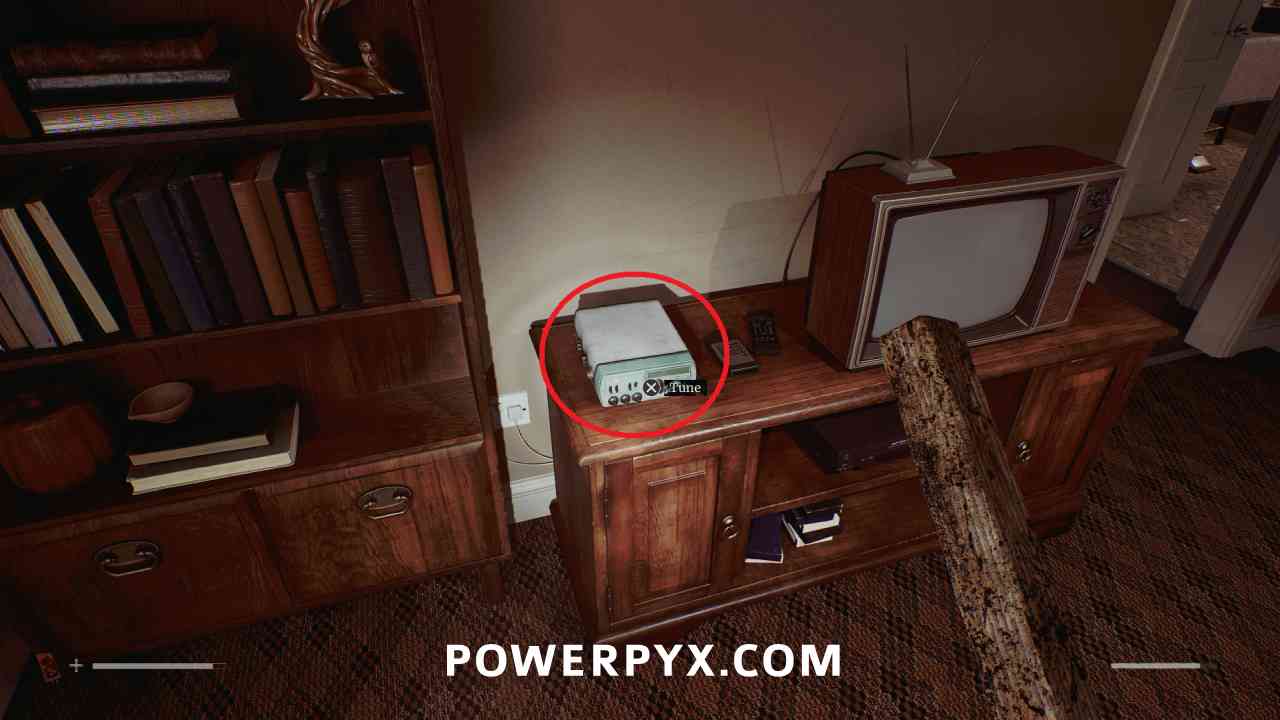
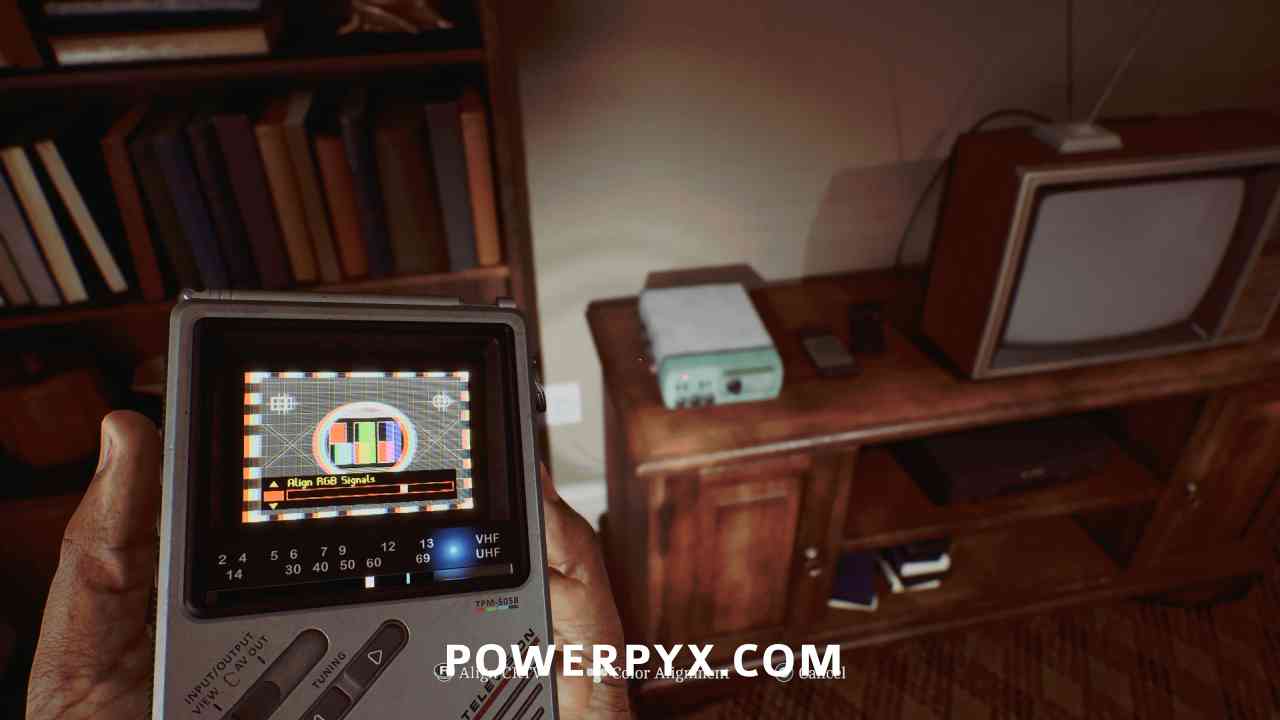
In 5 South Brae, turn right into the living room and interact with the radio left of the TV. Align the CRTV tilt so that the colors stop moving using the right stick, then adjust colours so they fit in all boxes using the DPAD.
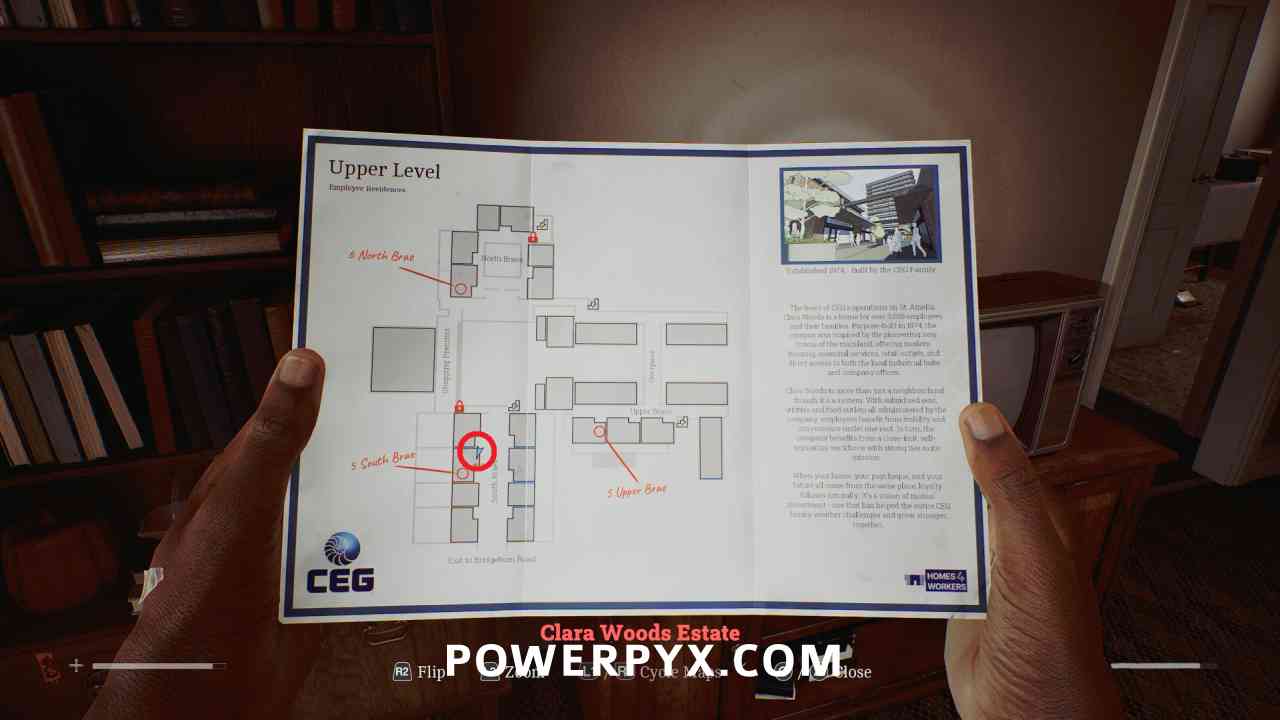
Signal #13: CRTV Channel – 59~
Area: Clara Woods Estate > Ground Level
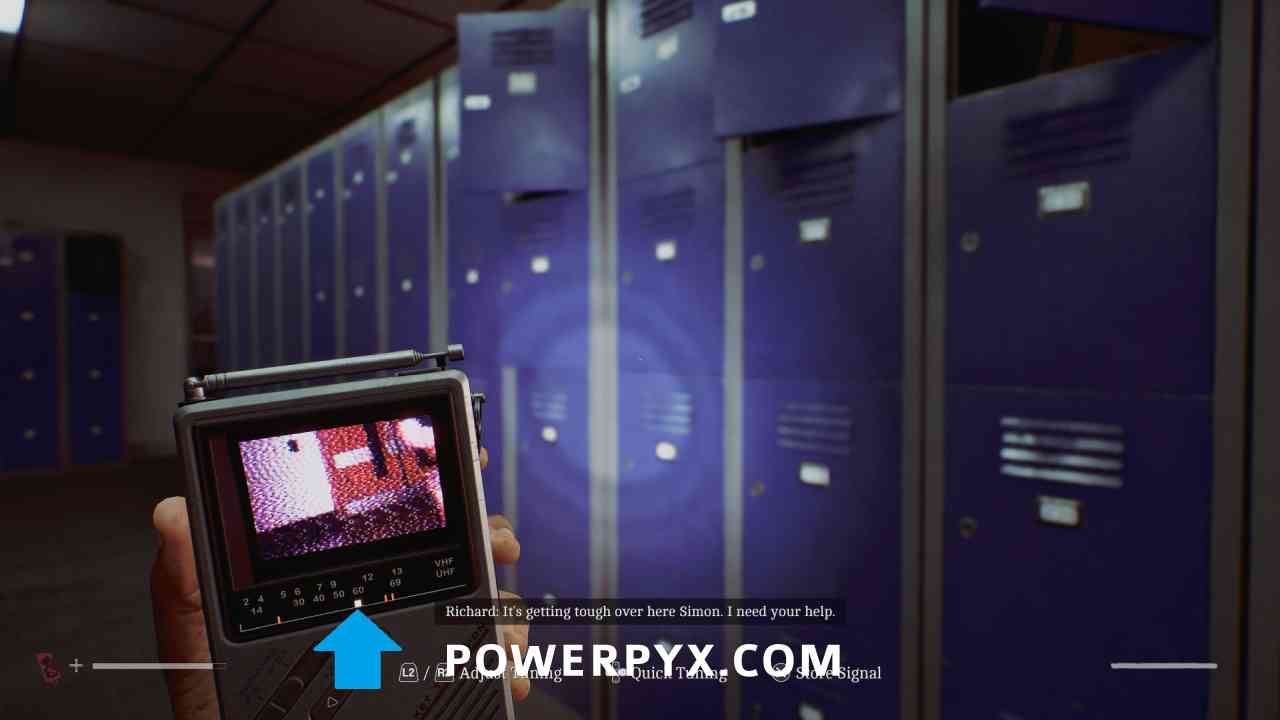
As soon as you pick up the items from locker 17, tune to around 59 to view the channel.
Signal #14: CRTV Channel – 29~
Area: Clara Woods Estate > Upper Level
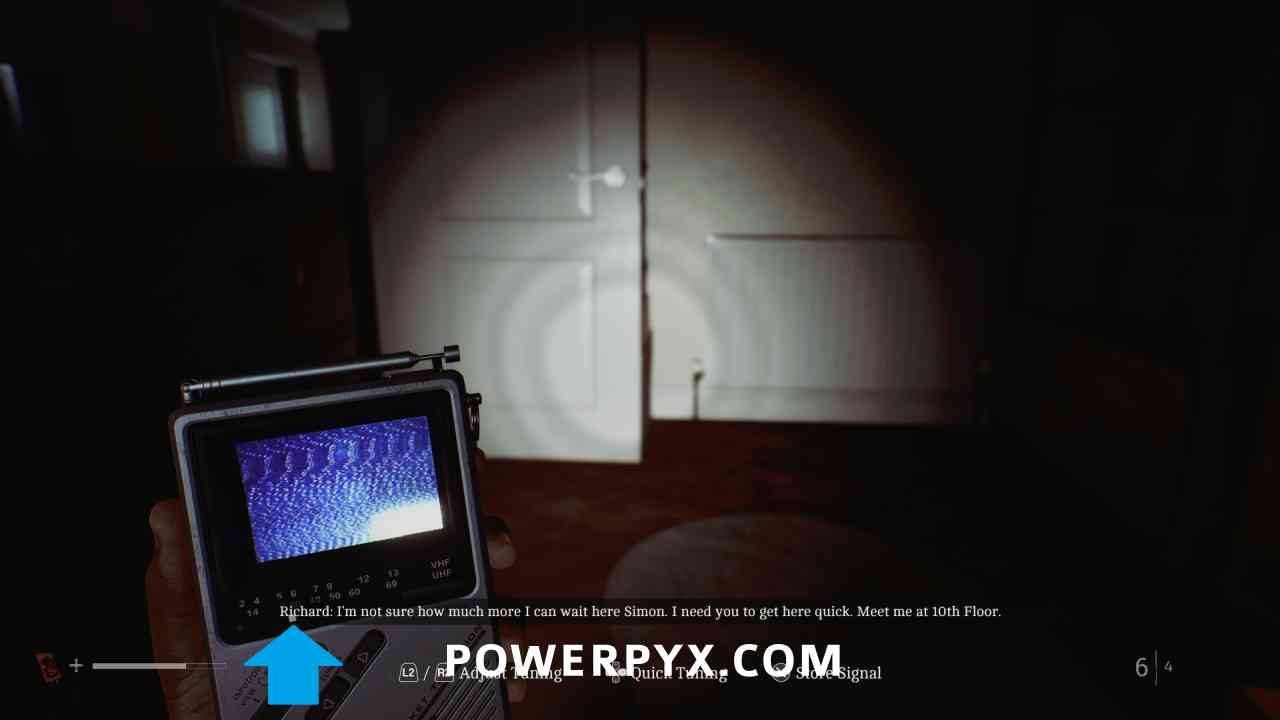
As soon as you go to leave the Upper Brae house after the tape puzzle, tune to around 29 to view the channel.
Signal #15: CRTV Channel – 65~
Area: Clara Woods Estate > Ground Level
After obtaining all 3 mechanical parts, tune to around 65 to view the channel.
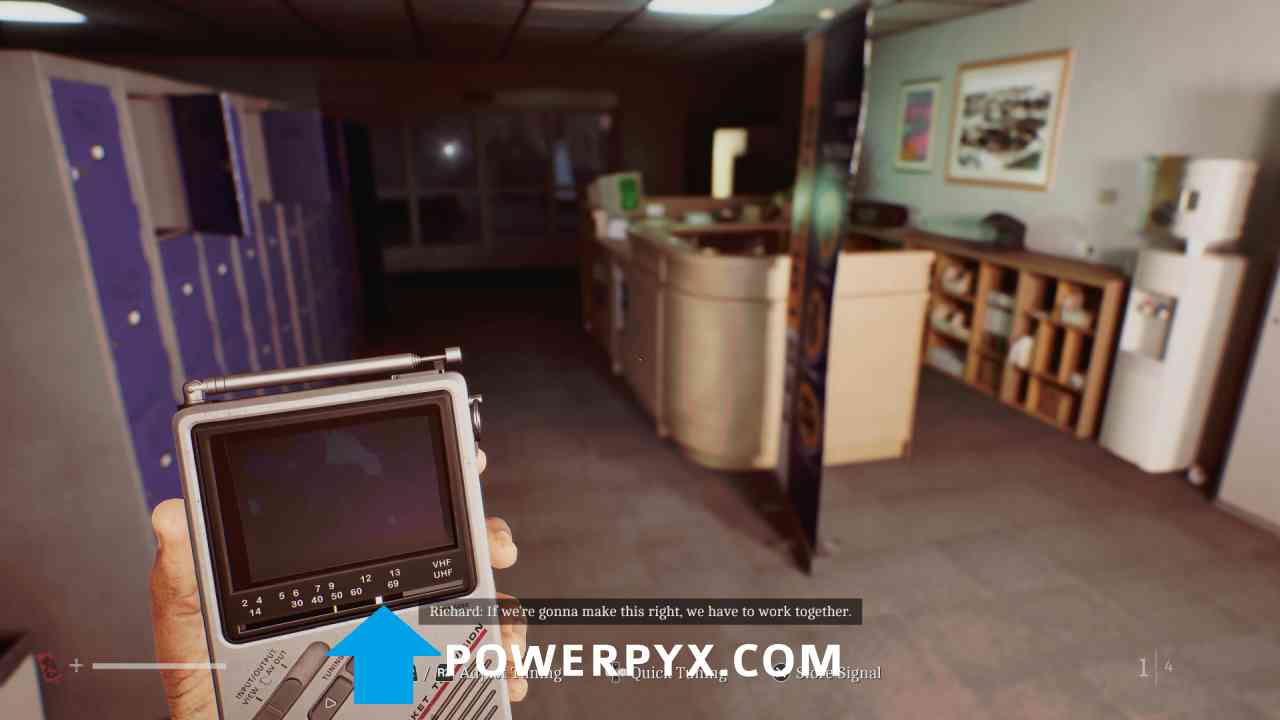
Chapter 11: Inside CEG HQ
Signal #16: CRTV Channel – 61~
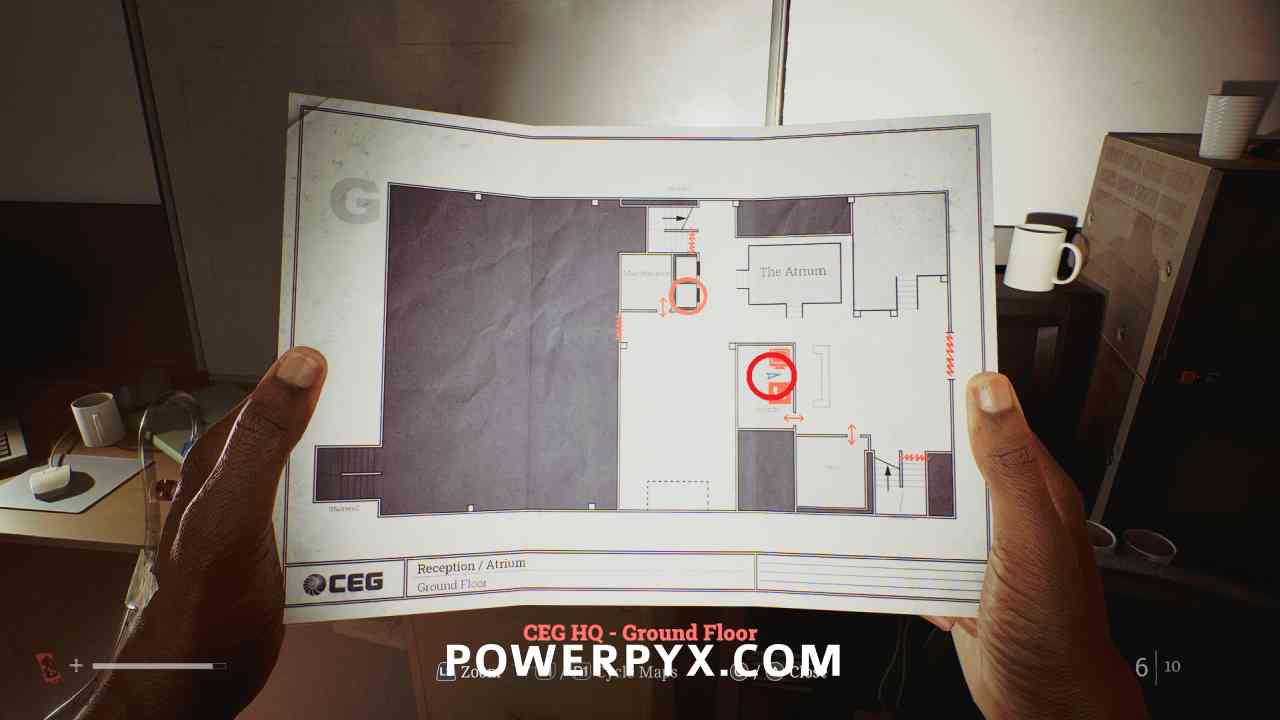
Area: CEG HQ > Ground Floor
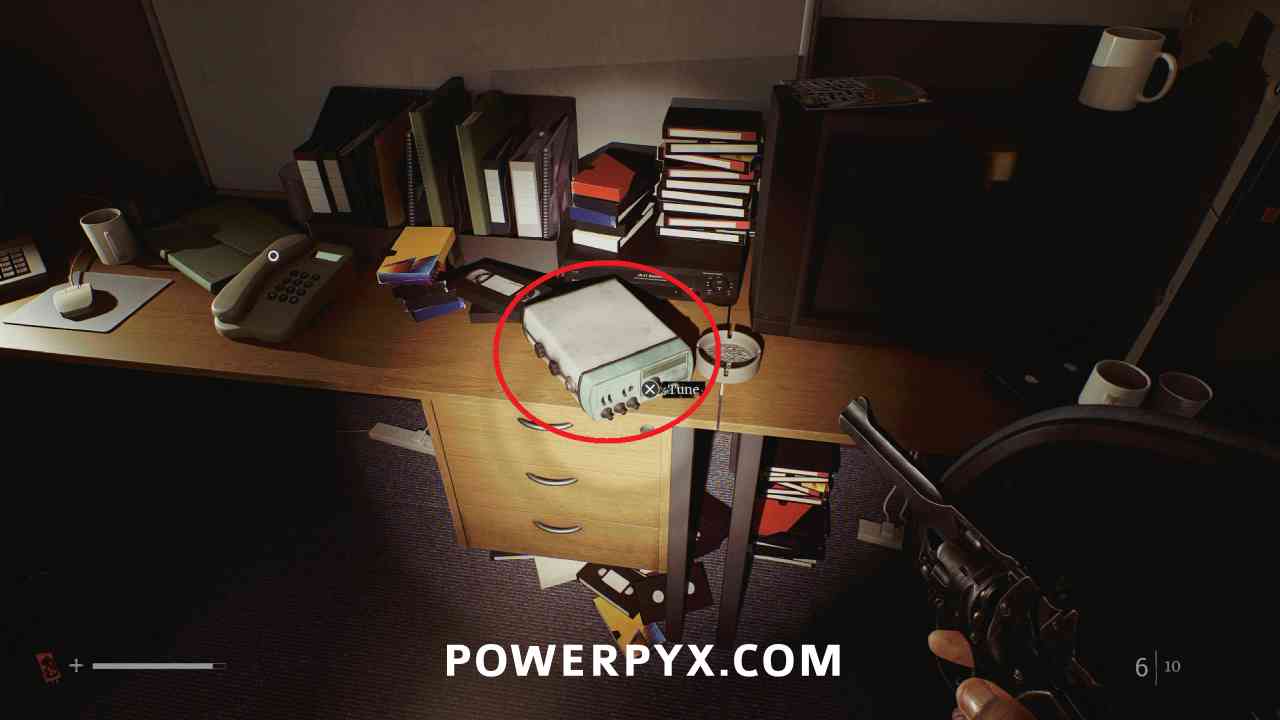
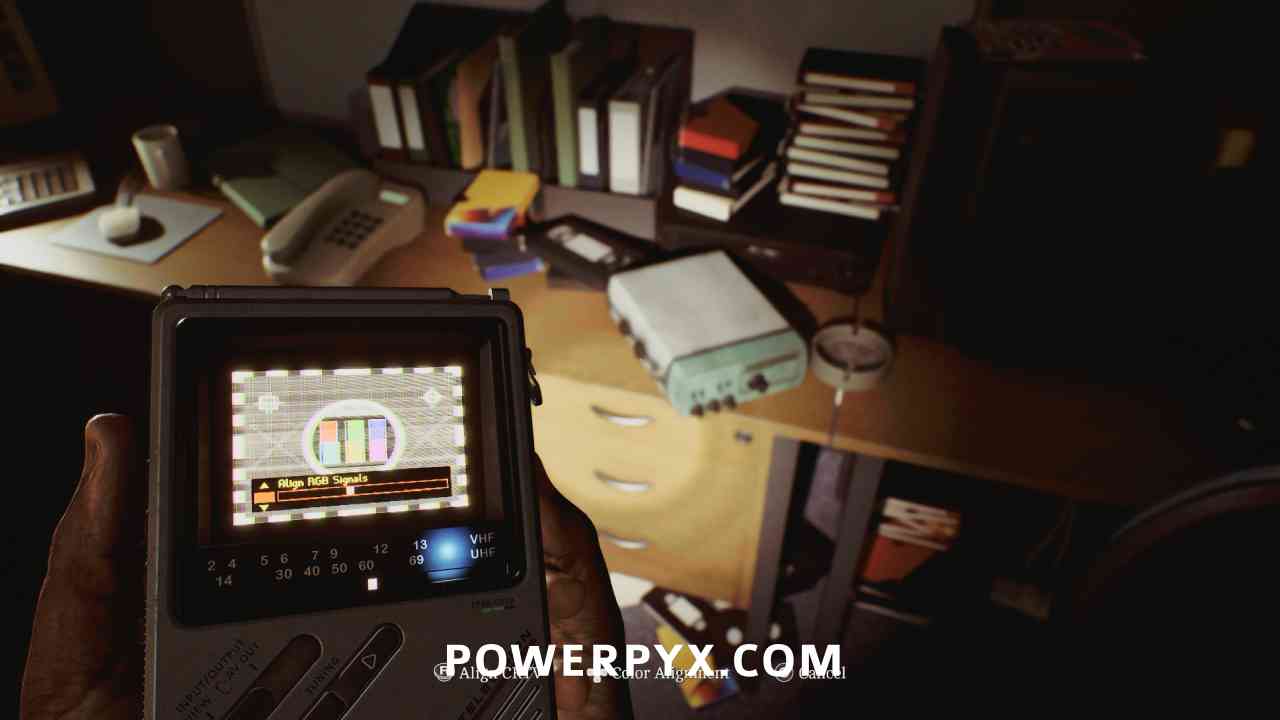
Inside the Security room, interact with the radio to the right of the phone. Align the CRTV tilt so that the colors stop moving using the right stick, then adjust colours so they fit in all boxes using the DPAD.
Part 6: Simon
Chapter 14: Fix This
Signal #17: CRTV Channel – 42~
Area: CEG HQ (Different)
As soon as you enter the main room in the area with the pillar puzzle, on a desk to the right interact with the radio to the left of the clue. Align the CRTV tilt so that the colors stop moving using the right stick, then adjust colours so they fit in all boxes using the DPAD.
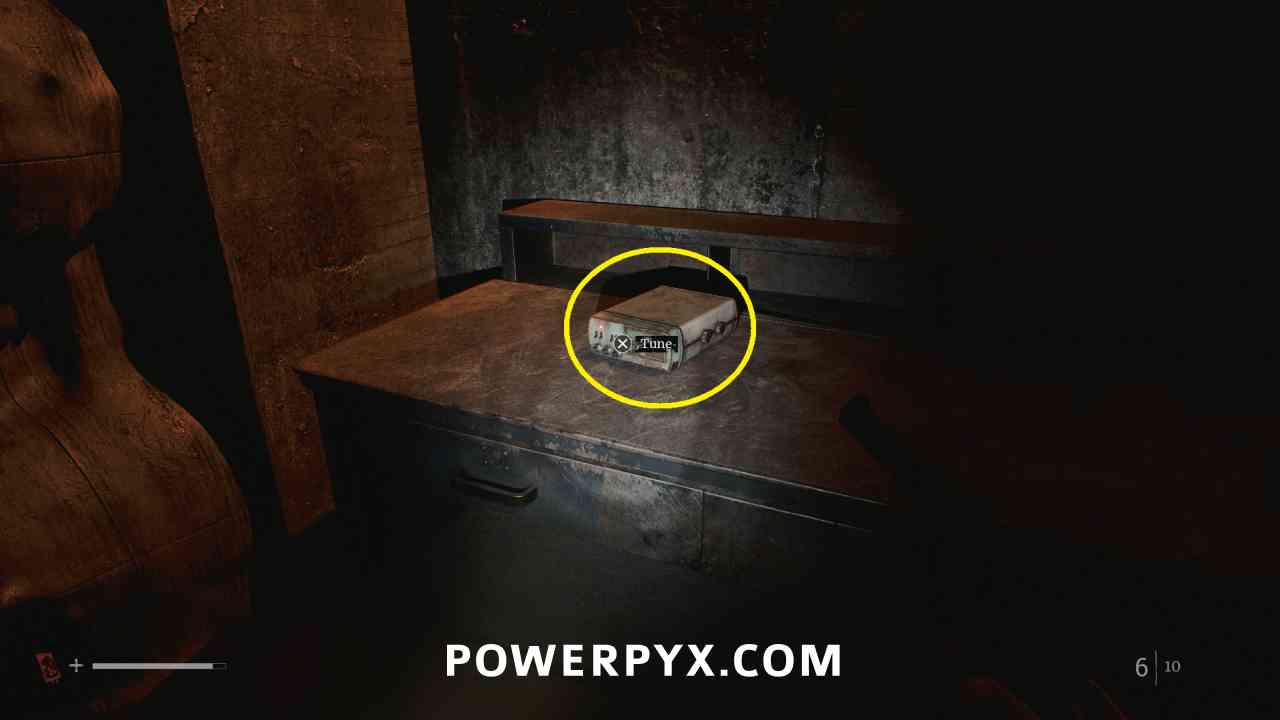
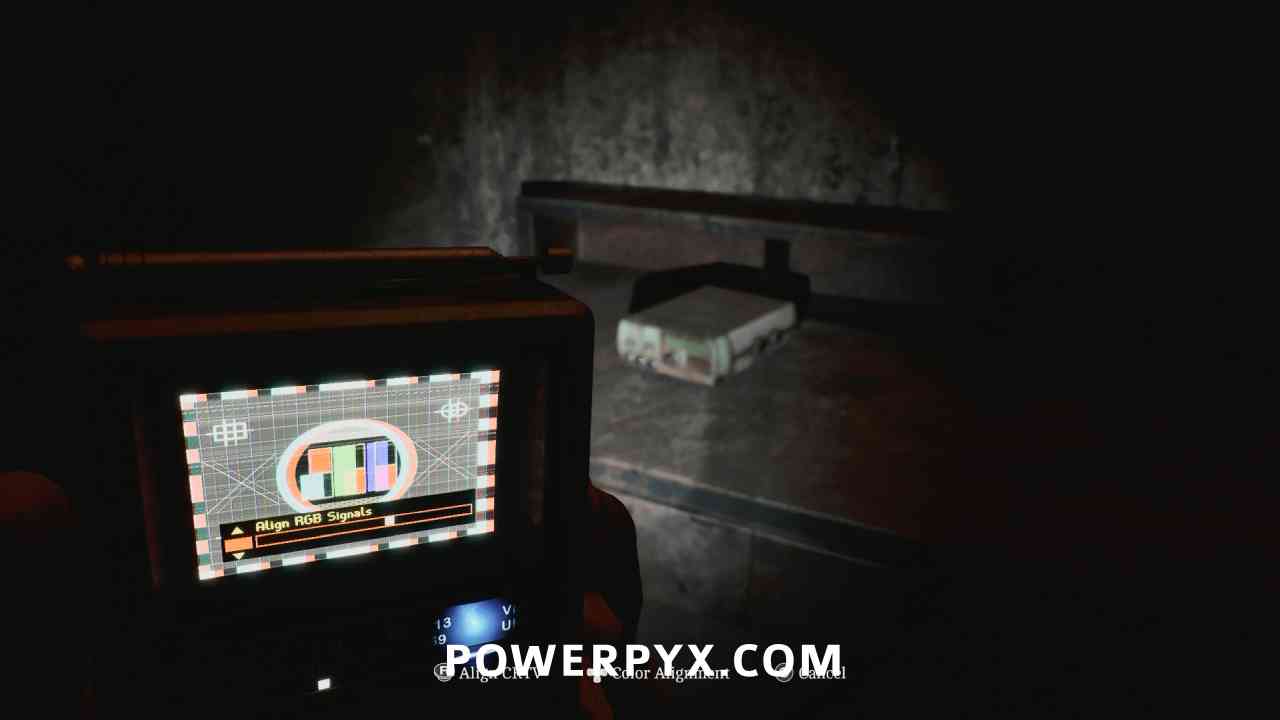
Signal #18: CRTV Channel – 42~
Area: CEG HQ (Different)
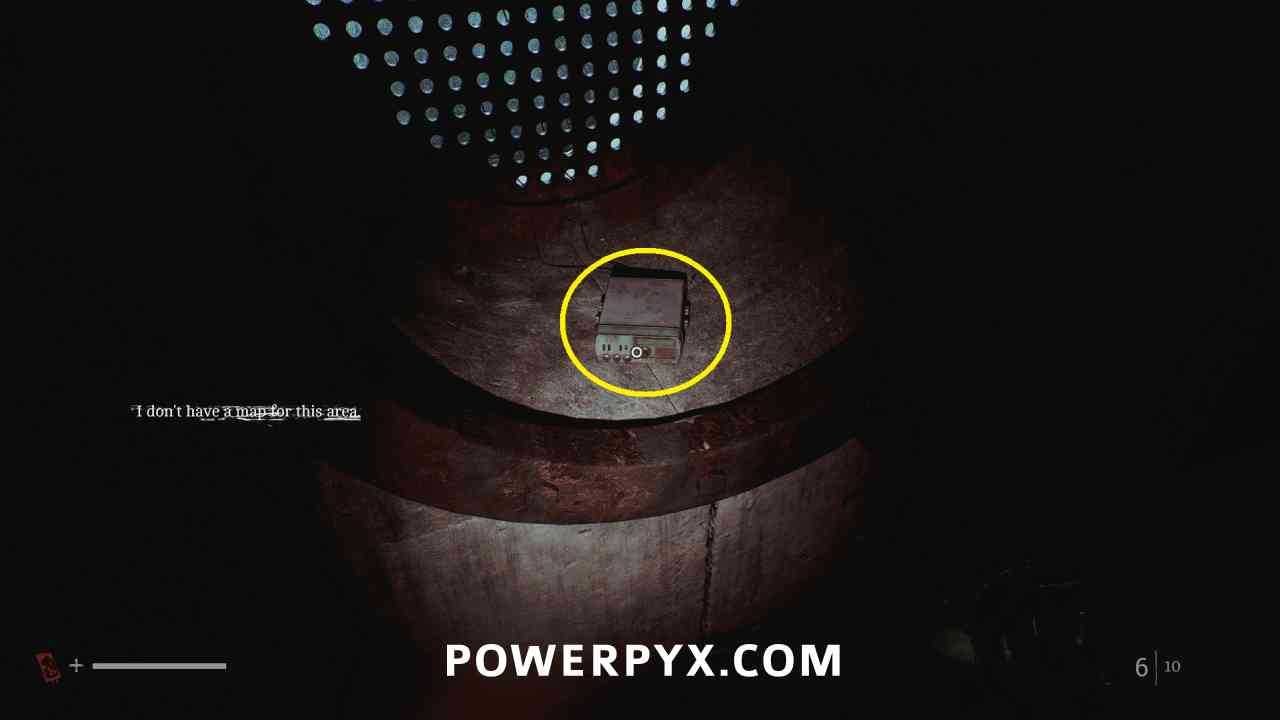
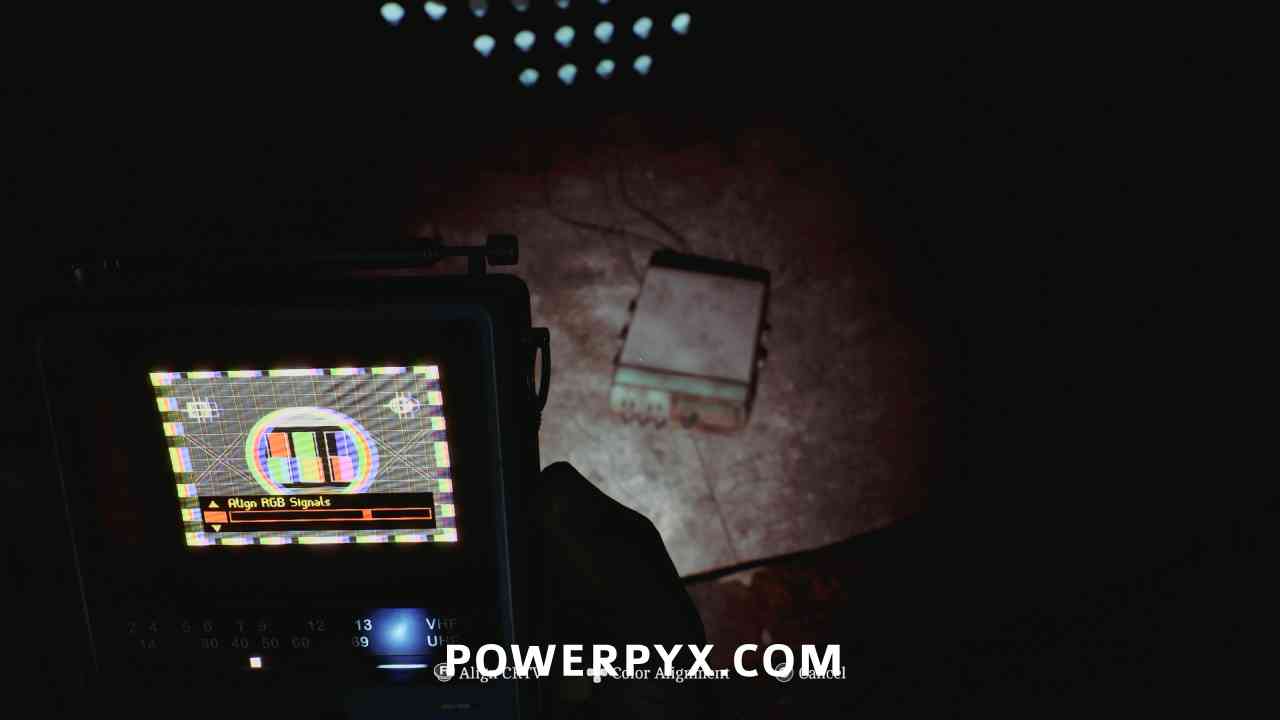
When you exit the pipes you are crouching through after the pillar puzzle, go to the room on the left instead of down the ladder. Interact with the radio in the pipe. Align the CRTV tilt so that the colors stop moving using the right stick, then adjust colours so they fit in all boxes using the DPAD.
Chapter 15: Trying Again
Signal #19: CRTV Channel – 55~
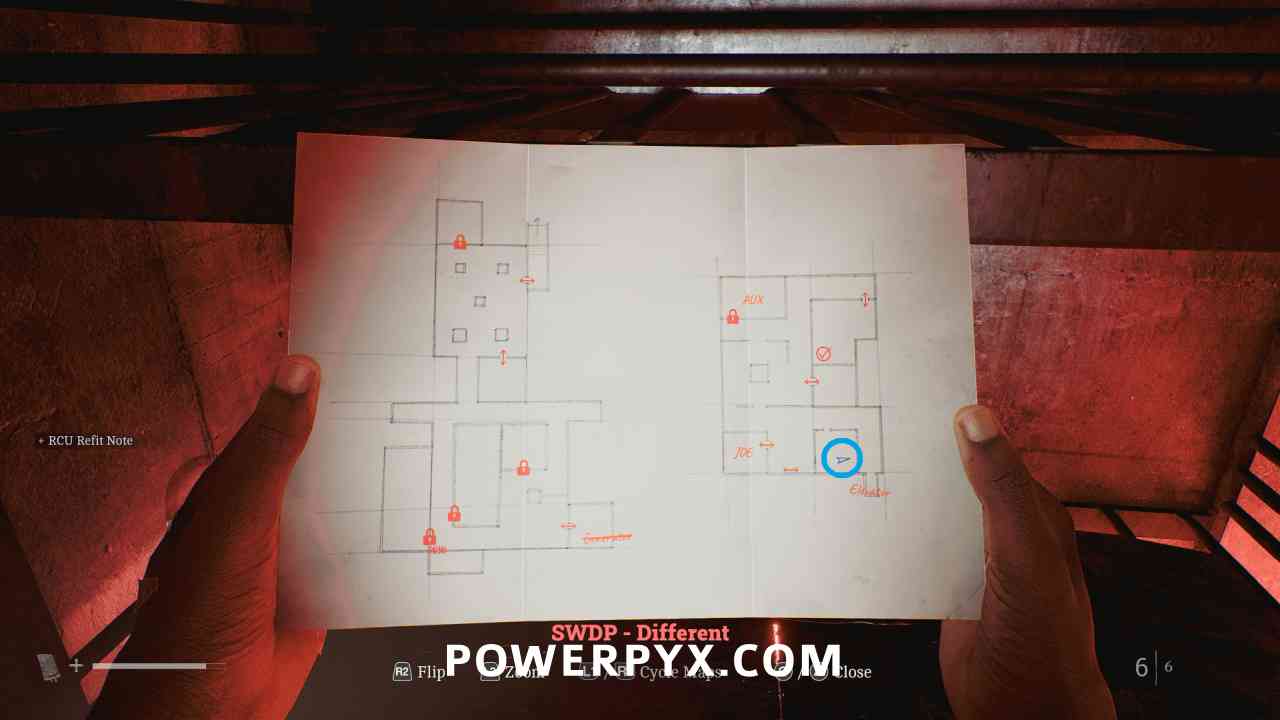
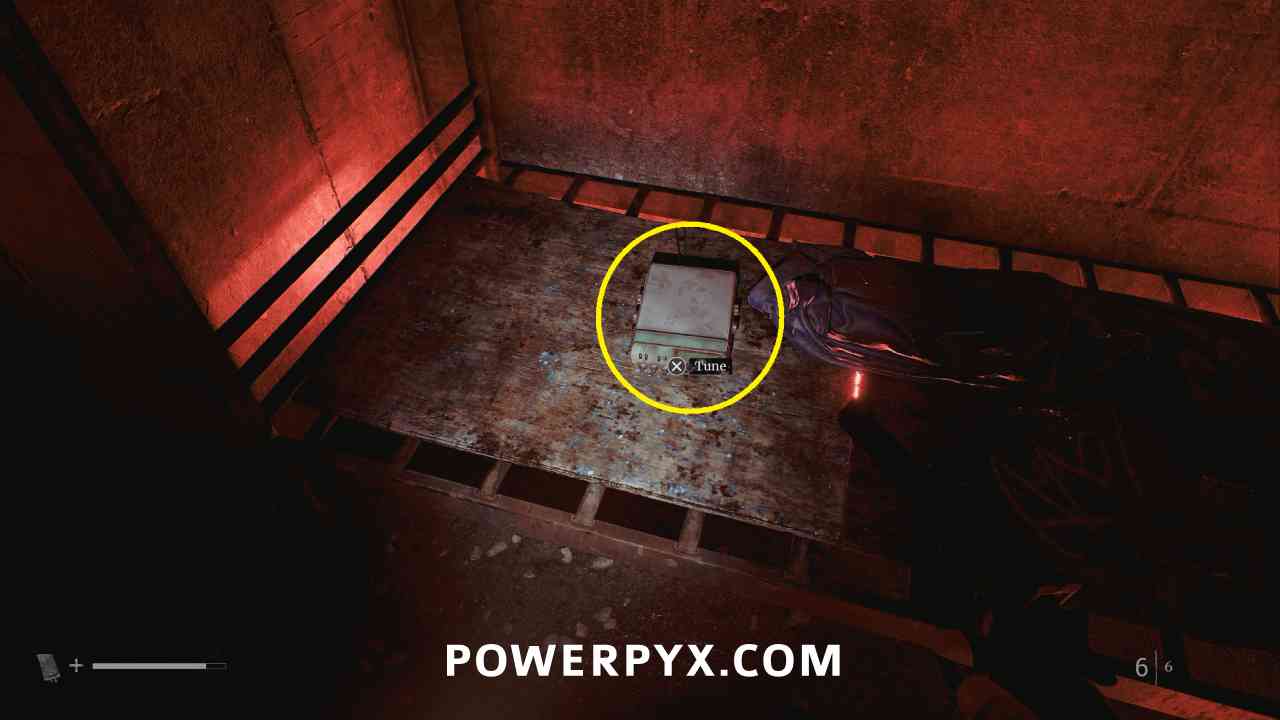
Area: SWDP – Different
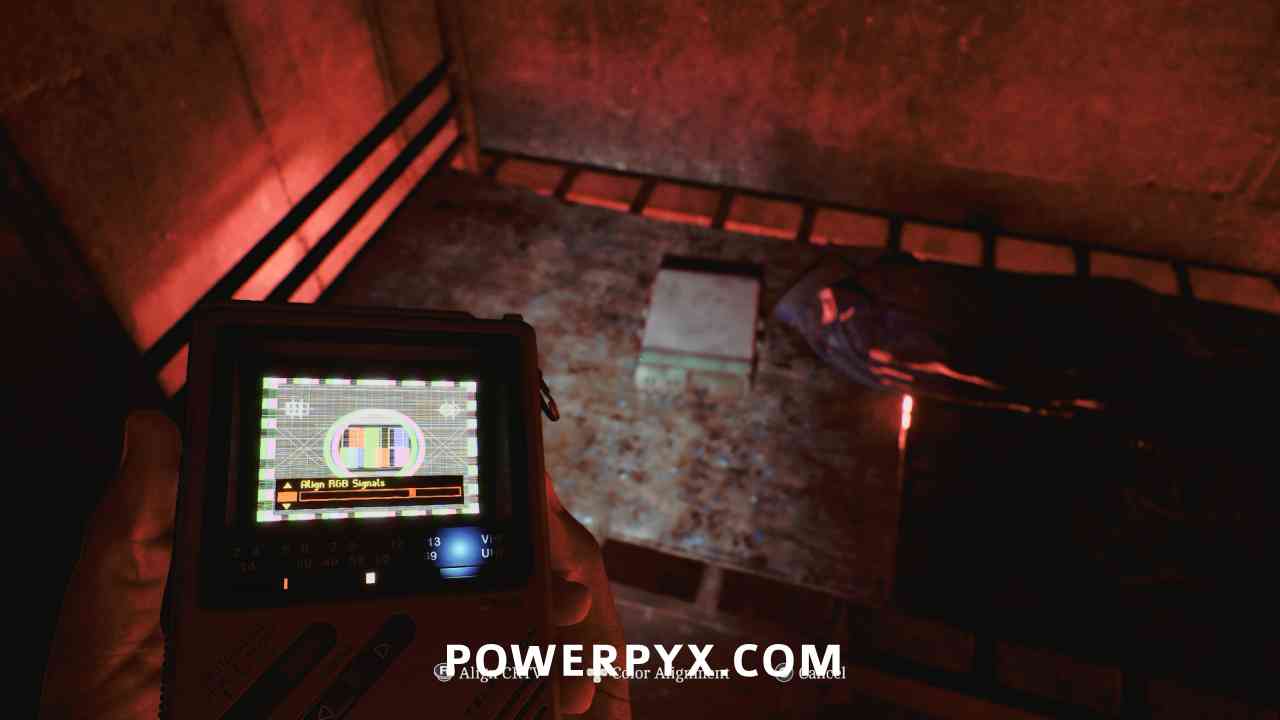
After squeezing through the gap in the wall after using the JOE key, on the bed. Interact with the radio left of where the document was. Align the CRTV tilt so that the colors stop moving using the right stick, then adjust colours so they fit in all boxes using the DPAD.
That’s all of the CRTV Signals in SH Townfall. For all other Collectible Types refer to Silent Hill Townfall Collectible Guide.
Wida Hahn says
is the CRTV on CEG ground floor, securitt room didnt count?
Kenyon says
Cannot get #10 to appear for me
Kenyon says
Update was able to get it just a bit finicky with the location you are standing in. My have to stand by a while to get it to appear.